A certificate in every graduate's inbox.
Teachers and training centers: write the certificate once in Google Docs. When a student submits your end-of-course form, FairSign Forms to PDF puts their name on it and emails the PDF from your own Gmail.
How a course certificate works
- 01
Make the certificate in Google Docs. Wherever a name, course or date goes, type the form question title in double braces, like {{Full name}}. Or start from a starter certificate in English, Chinese or Vietnamese.
- 02
Put a short form at the end of the course: name, email, course. Share the link in the last session.
- 03
Each response becomes one PDF with that student's name. It is emailed to the address they typed, and a copy is saved in a folder in your Drive.
Six certificates to start from
The first one is a real PDF made by an earlier version of the add-on from a test response. The other five are layouts drawn for this page to show what you can build. All names are made up. None is customer work or a real person.
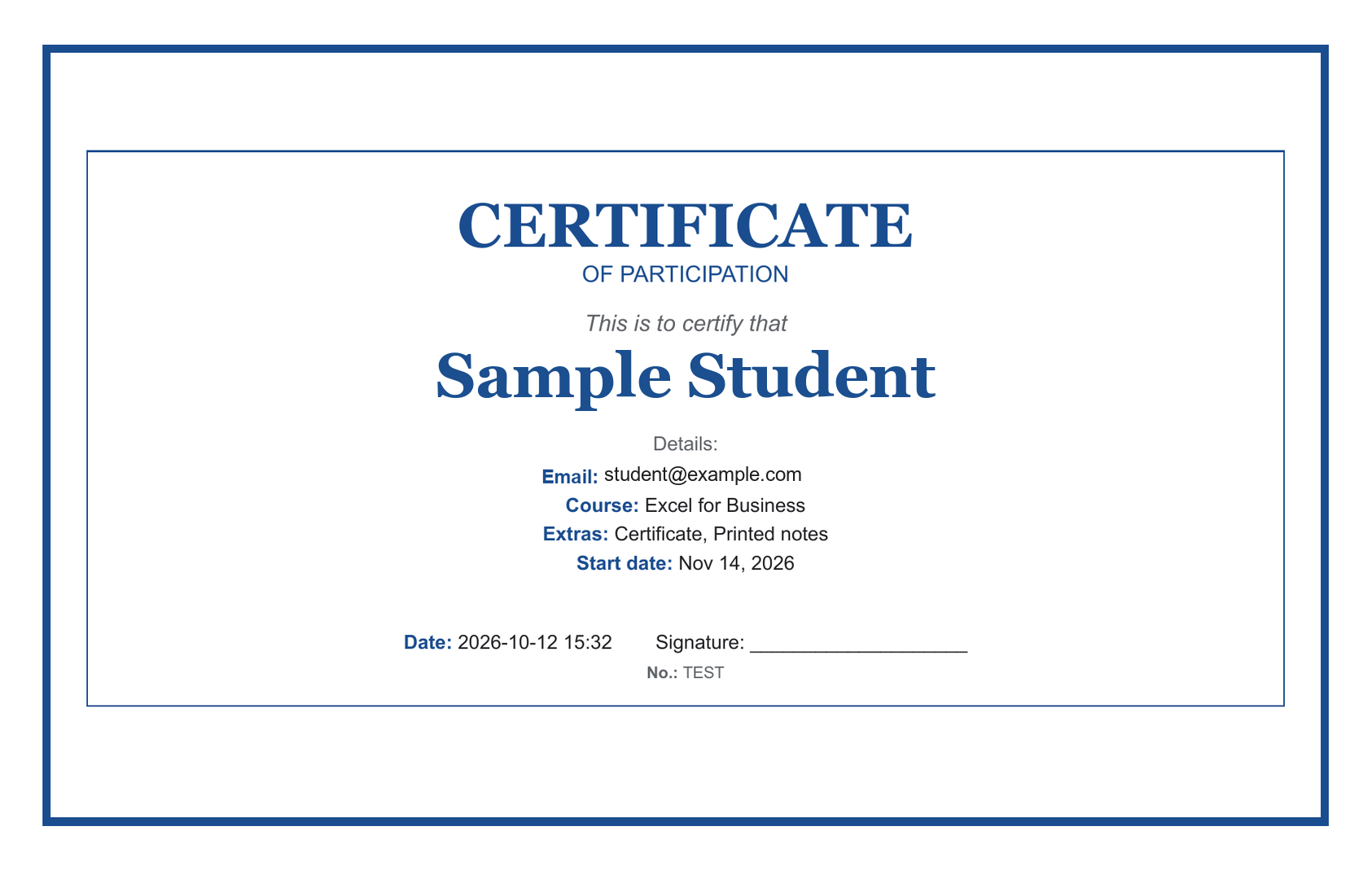
Certificate (earlier version)
Typical for: a real output of an earlier version, from a test response with a made-up name and email.
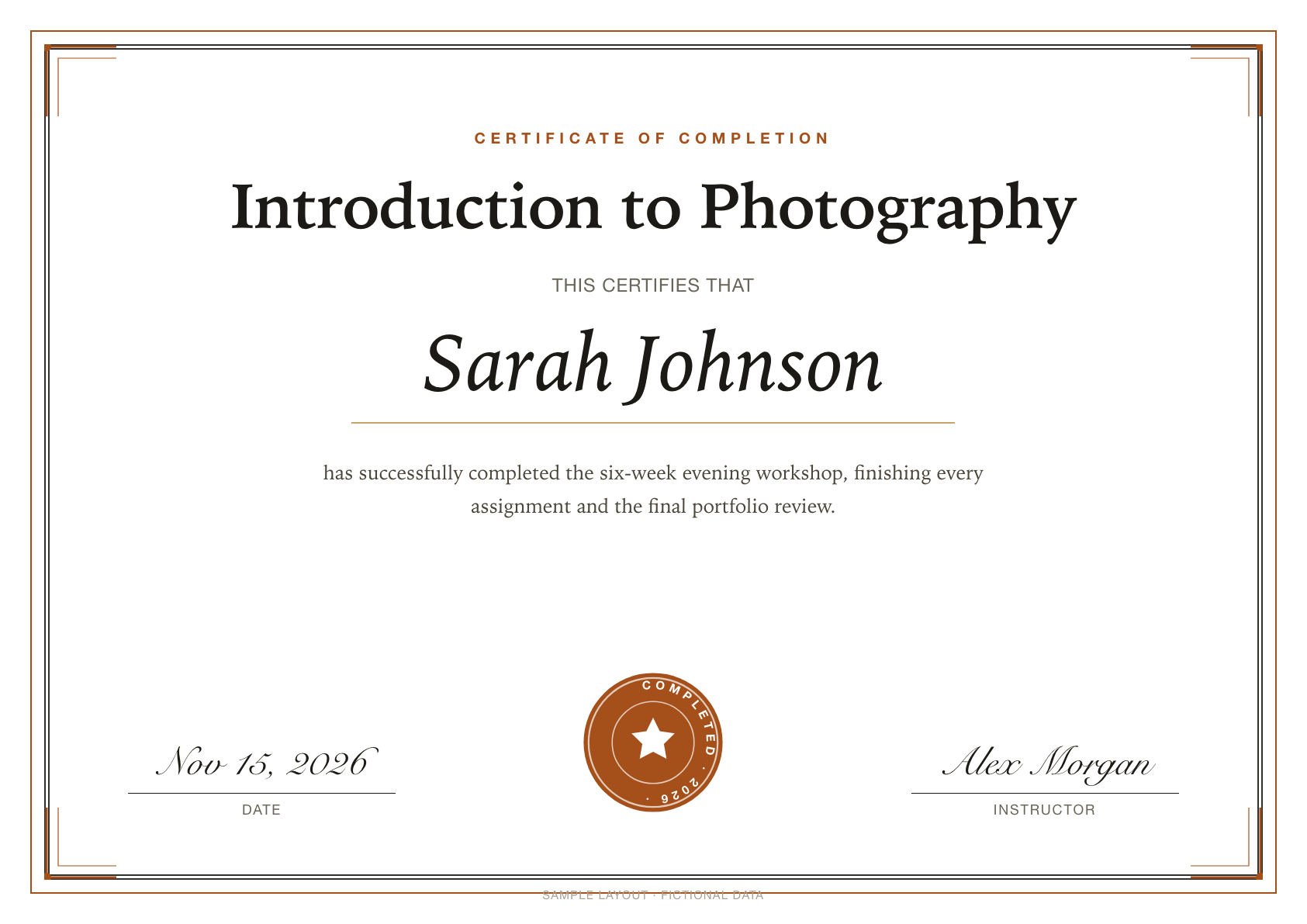
Training certificate
Typical for: Workshop hosts and short-course teachers who want every graduate to leave with a printable certificate.
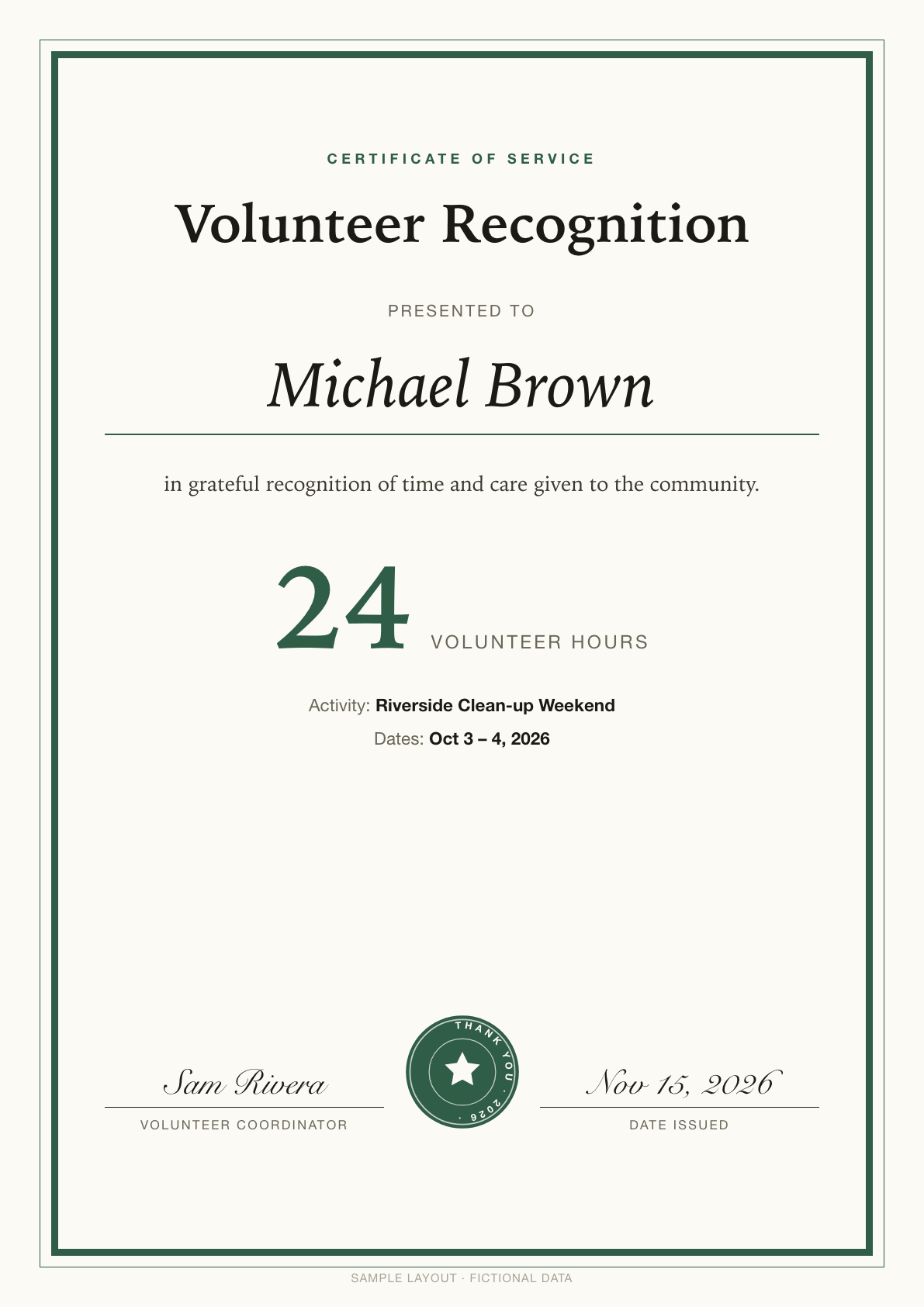
Volunteer service certificate
Typical for: Community groups, schools and clubs that need to thank volunteers and record their hours.
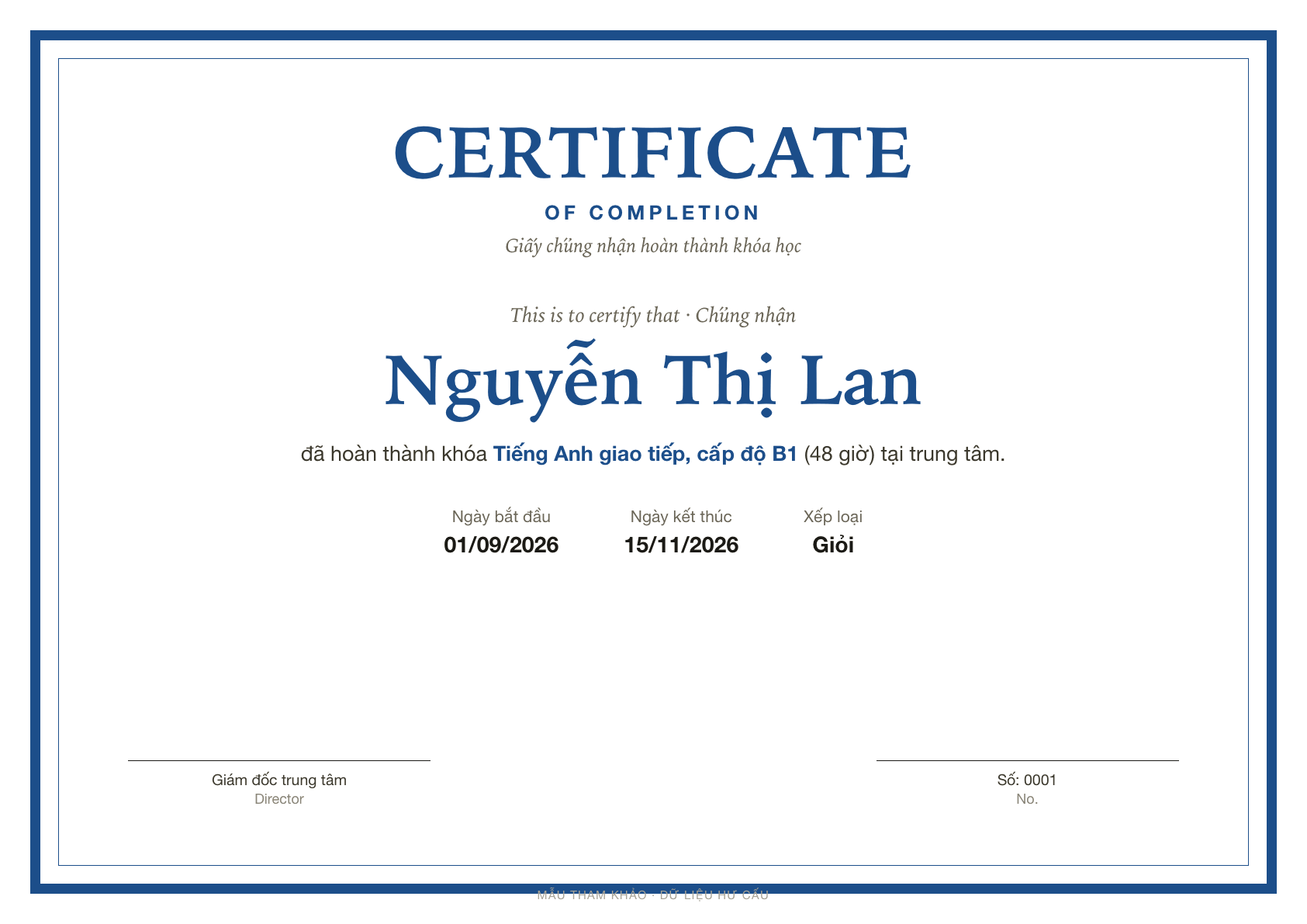
English-center completion certificate (Vietnamese)
Typical for: English centers and language schools in Vietnam that hand out a bilingual completion certificate at the end of each course.
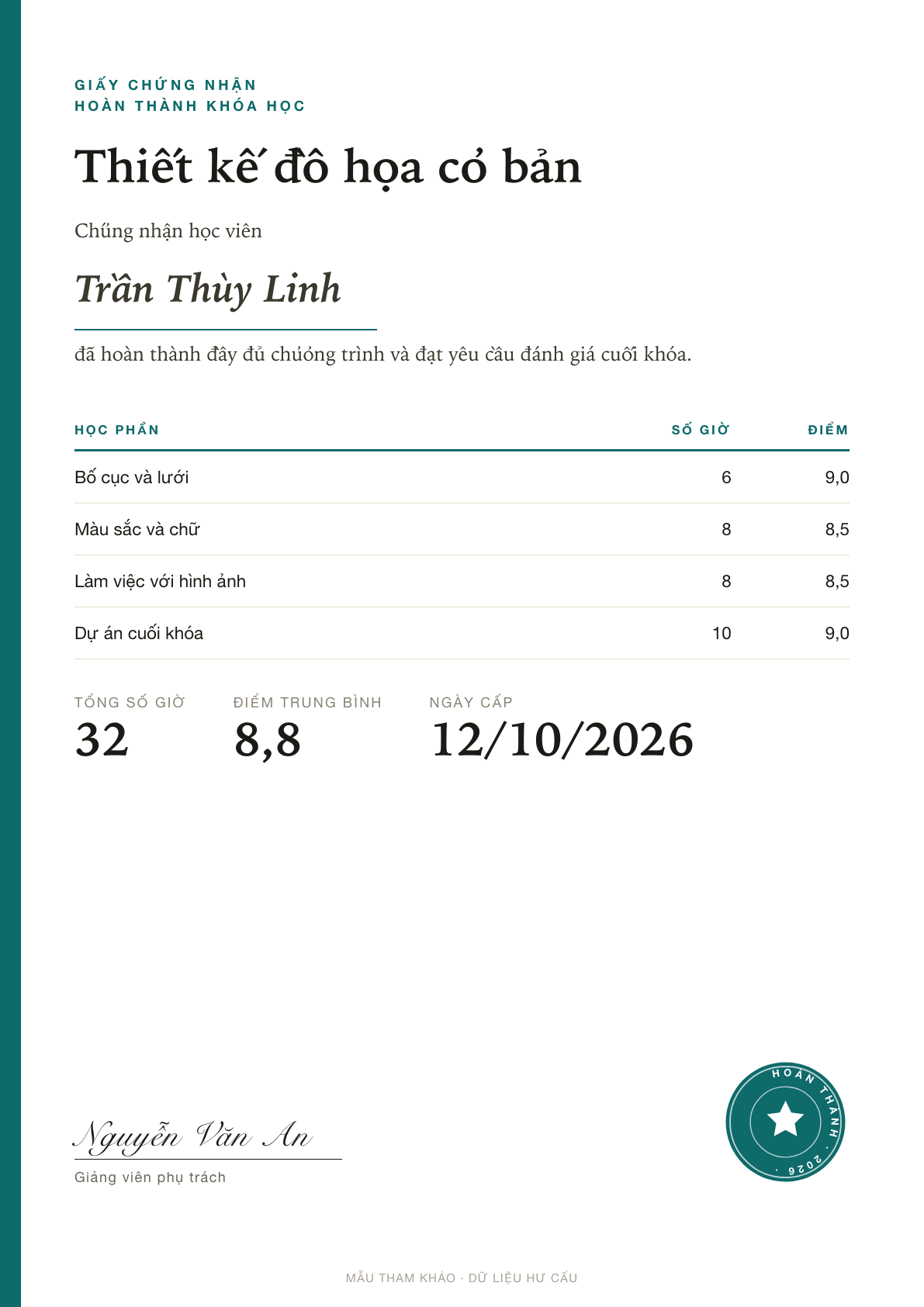
Course completion record (Vietnamese)
Typical for: Online course creators and vocational schools who issue a completion record with hours and scores. Shown here in Vietnamese.
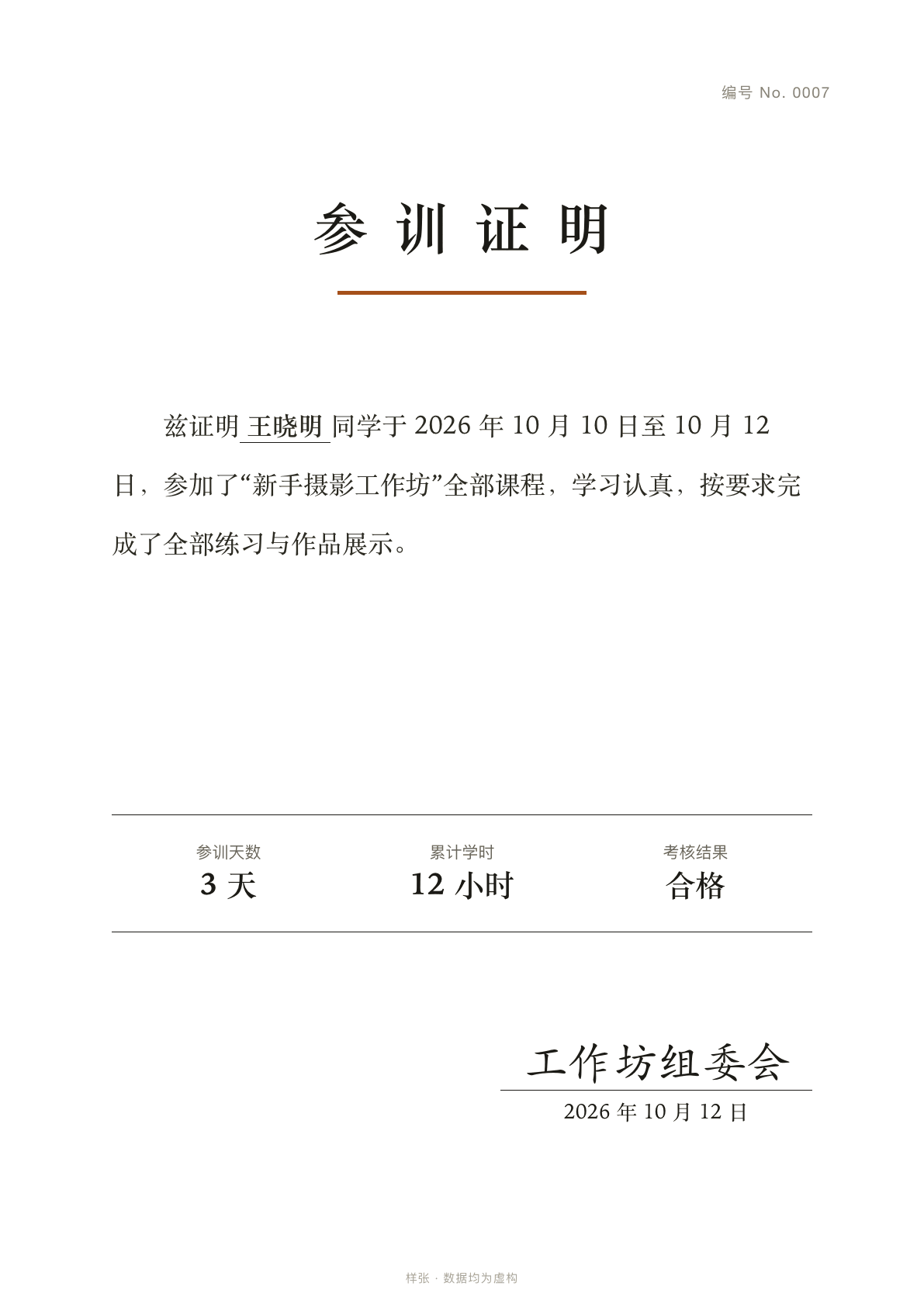
Attendance letter (Chinese)
Typical for: Workshop and training organizers who are asked for a proof-of-attendance letter. Shown here in Chinese.
What the free plan covers
- 20 PDFs a month, which is 20 certificates.
- No watermark. The PDF is your Google Doc exported as it is. FairSign adds no logo, footer or watermark, on the free plan or on Pro.
- Your own design in Google Docs, or one of the starter certificates.
- If you hand out more than 20 in a month, Pro removes the monthly limit: $69 a year or $8 a month. There is no Pro trial, because the free plan is the trial. Payments are not refundable.
Questions teachers ask
Does the free version put a watermark on certificates?
No. The add-on fills in your Google Doc and exports it as a PDF. It does not add a watermark, a logo or a footer of its own.
Can I use my own certificate design?
Yes. Build the certificate in any Google Doc and put question titles in double braces where the answers should go. The starter certificates come in English, Chinese and Vietnamese.
What if a student mistypes their email?
The PDF goes to the address they typed. A copy of every PDF is also saved in a folder in your Drive, so you can send it on yourself.
Is there a limit on how many emails I can send?
The add-on sends from your own Google account, so Google's daily sending limit for that account applies. It is lower on a free Gmail account than on Google Workspace. The add-on's own free limit is 20 PDFs a month.
When can I install it?
It is not in the Google Workspace Marketplace yet. The install button says Coming soon until it is.
Start with a certificate.
Pick a starter in English, Chinese or Vietnamese, then change the fonts, logo and wording in Google Docs.