When to use the Deposit Receipt
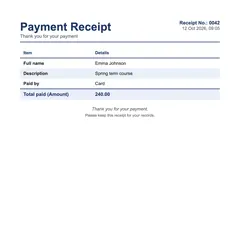
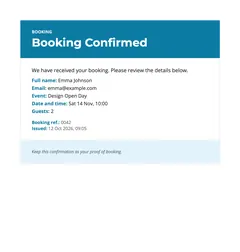
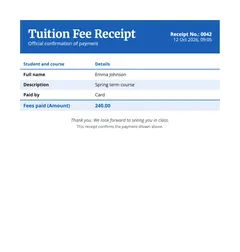
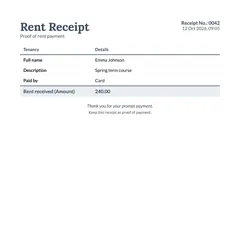
A deposit receipt confirms that a deposit has been paid and is being held. Photographers, venue owners, caterers, equipment hire shops and landlords all take deposits before a job or a stay. A receipt avoids arguments later about how much was paid and when. The page records the deposit and, in the footer, the terms under which it is held.
Questions to ask in your form
Create these questions in your Google Form. The PDF is built from the questions you ask, so rename, add or drop any of them.
- Full name Short answerThe person who paid the deposit.
- Email address Short answerWhere the receipt is sent.
- Booking or item Short answerFor example 'Wedding photography, 14 June'.
- Paid by DropdownCard, bank transfer or cash.
- Deposit amount Short answerName it Deposit amount so it shows as the bold 'Deposit received' row.
- Balance due date DateOptional. Handy for the next payment.
What the PDF contains
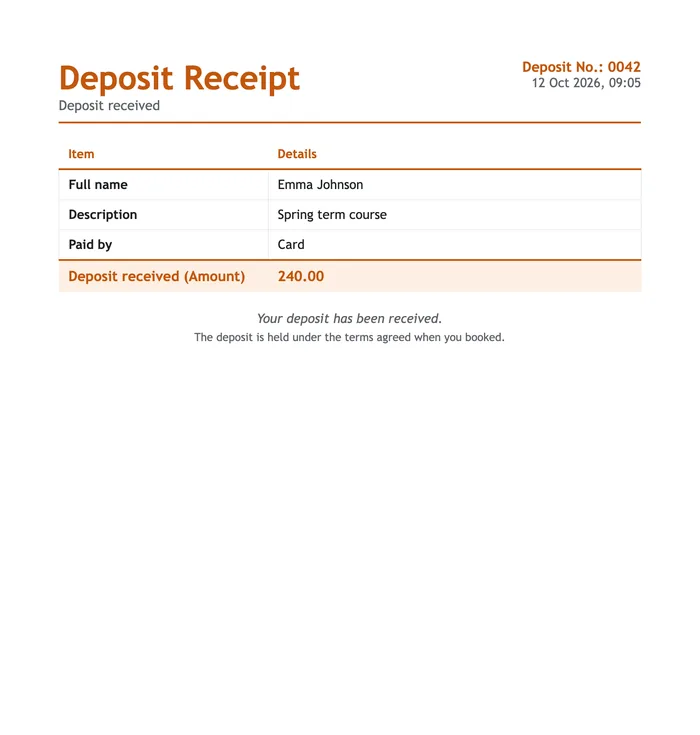
An orange-ruled page headed 'Deposit Receipt' with 'Deposit received' beneath. Each answer gets a boxed row, and the deposit amount is the highlighted last row. A closing line says the deposit is held under the terms agreed at booking.
Set it up in three steps
- Install the add-on. Add FairSign Forms to PDF to Google Forms from the Google Workspace Marketplace. It is free to install.
- Pick this template. Open your form, click the puzzle-piece icon (or the three-dot menu, then Add-ons), and open FairSign Forms to PDF. In step 1, choose Deposit Receipt from the template library. It opens as a Google Doc in your Drive.
- Turn on sending. Tell the add-on which question holds the email address, send a test to yourself, then switch on automatic sending. Each new response is turned into a PDF and emailed to the person.
Tips for the Deposit Receipt
- State in the form who gets the deposit back and when. The PDF says the deposit is held under agreed terms, so those terms should exist in writing somewhere.
- Keep the booking reference in the first question, so people quote the same text in later emails.
- Add your refund and cancellation terms to the Google Doc, in the footer, to keep the receipt and the rules together.
Note. This template is not legal or tax advice. Rules for receipts, record keeping and tax differ by country. Check what applies to you before you rely on a receipt.
Questions people ask
Is a deposit the same as a payment?
Not always. A deposit is usually a part payment or a security amount. The wording of the receipt says it is held under agreed terms, so make sure your terms say what happens to it.
Can the form add up a balance?
No. The add-on prints answers as typed. Ask for the balance as a separate question if you want it on the page.
Can I edit the Deposit Receipt before I use it?
Yes. Choosing it in the add-on creates a Google Doc in your Drive. Change the wording, fonts or colours, add a logo, and keep the {{placeholders}} in double braces where answers should appear.