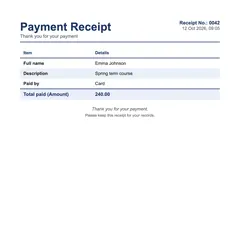
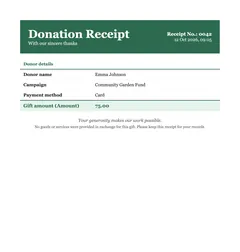
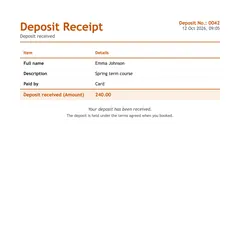
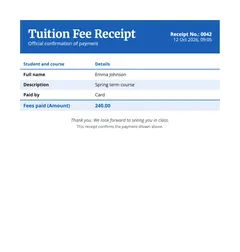
Which one should I pick?
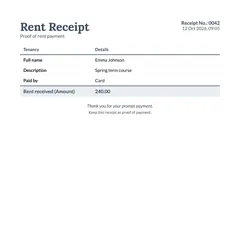
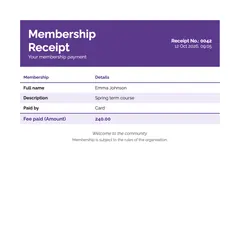
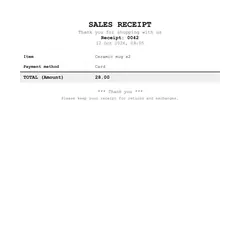
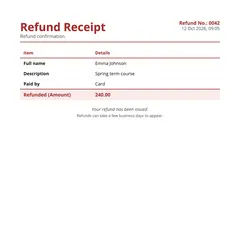
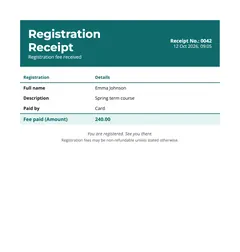
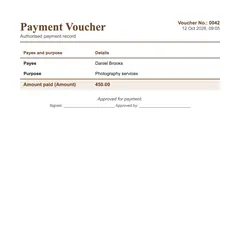
Choose the name that matches what the reader expects to see. A parent wants 'Tuition Fee Receipt', a tenant wants 'Rent Receipt', and a donor wants 'Donation Receipt'. Layouts also differ in tone, from a plain page to a coloured banner, so open two or three and compare the previews.
How it works
- Install the add-on. Add FairSign Forms to PDF to Google Forms from the Google Workspace Marketplace.
- Pick a template. In step 1 of the add-on, choose a layout from the template library. It opens as a Google Doc you can edit.
- Turn on sending. Each form response is turned into a PDF and emailed to the person who filled it in.
Questions people ask
Does FairSign take the payment?
No. It creates and emails the PDF only. Collect payment with your usual method, then use the form to issue the receipt.
Are these receipts valid for tax purposes?
That depends on your country and your situation. The templates are layouts and are not tax advice. Check what your tax authority expects on a receipt.
Are the receipt templates free?
Yes. All 70 templates are free to use. The free plan makes 8 PDFs a month, and Pro is $79 a year or $15 a month for more.