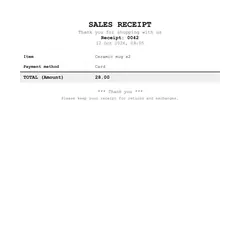
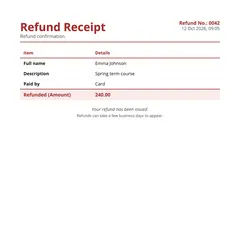
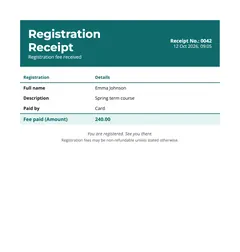
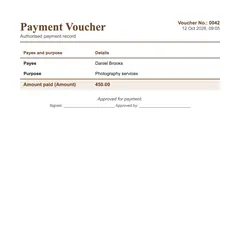
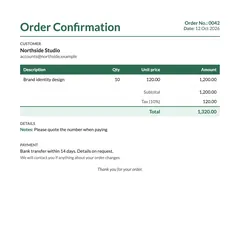
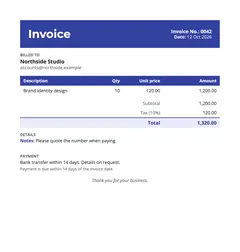
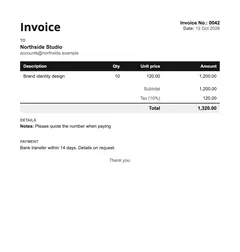
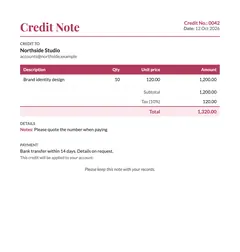
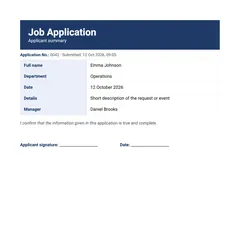
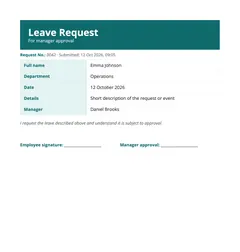
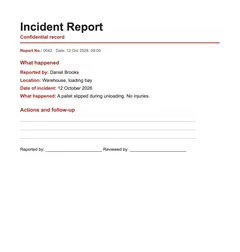
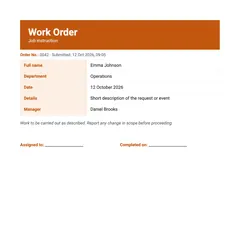
70 free templates

Free PDF templates for Google Forms

Certificates, receipts, invoices, confirmations, HR forms, school forms and ID cards. Pick a template, link it to your Google Form, and each response is emailed to the respondent as a PDF. Every template is an editable Google Doc and prints on US Letter and A4.

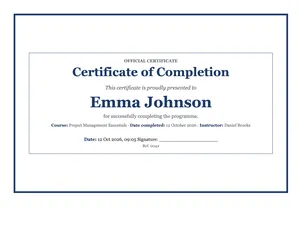
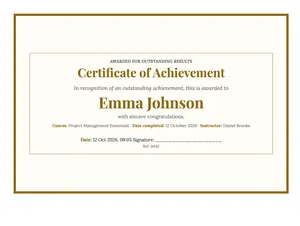
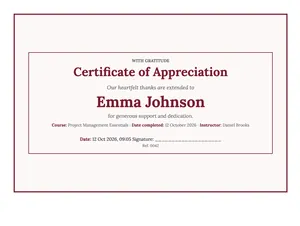
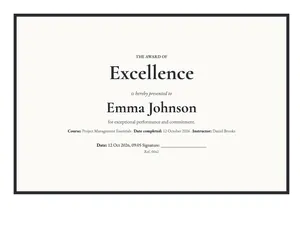
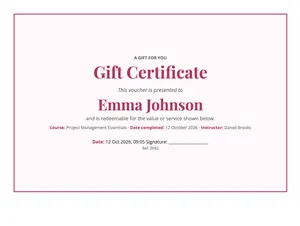
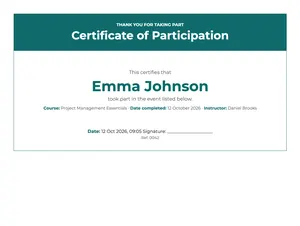
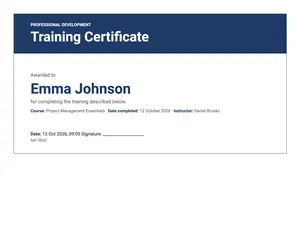
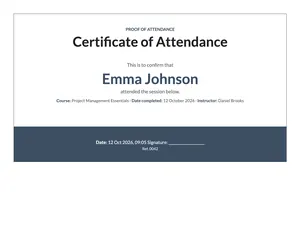
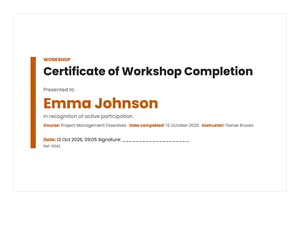
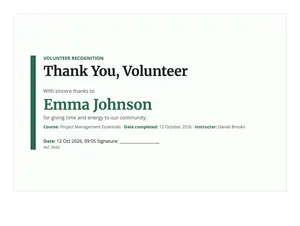
Certificates 10

Completion, achievement, attendance, awards and thank-yous.

See all certificate templates

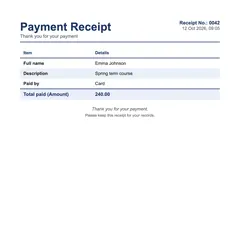
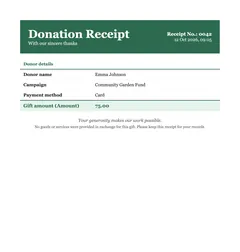
Receipts & payments 10

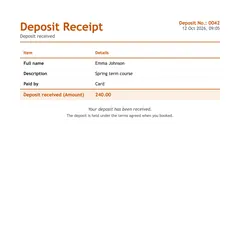
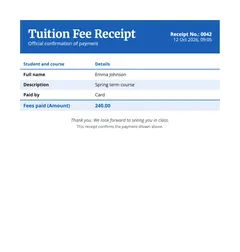
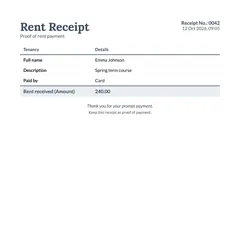
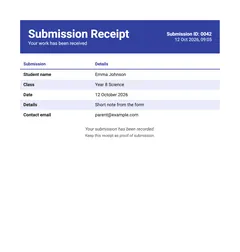
Payments, donations, deposits, rent, tuition, refunds and vouchers.

See all receipt templates

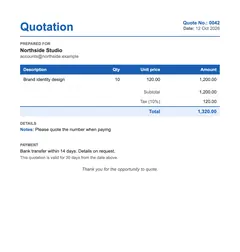
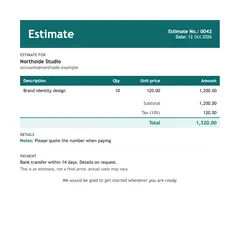
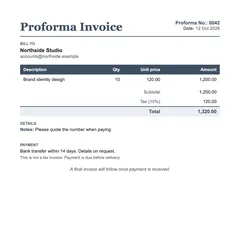
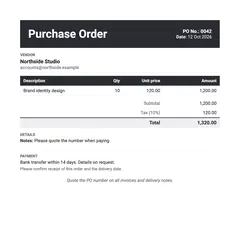
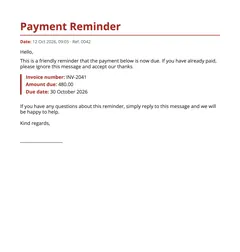
Invoices & quotes 10

Quotes, estimates, invoices, purchase orders, credit notes and reminders.

See all invoice and quote templates

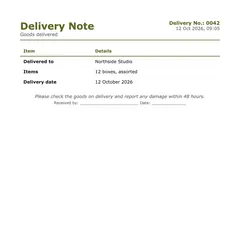
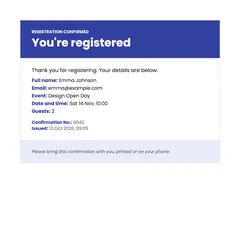
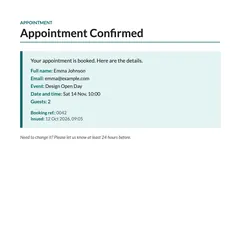
Confirmations & passes 10

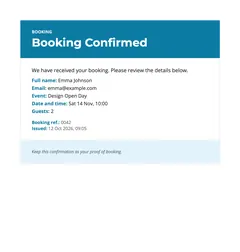
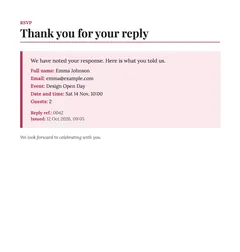
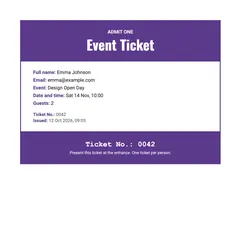
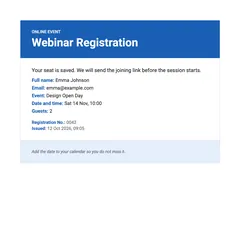
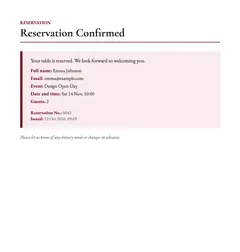
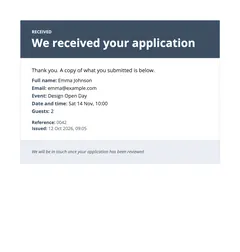
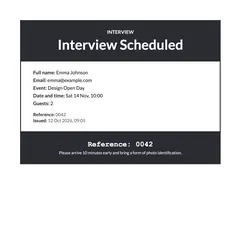
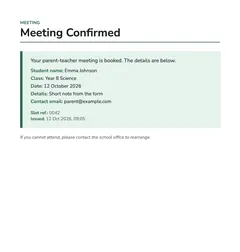
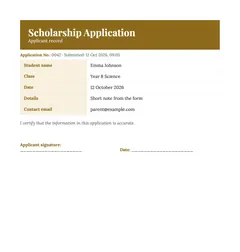
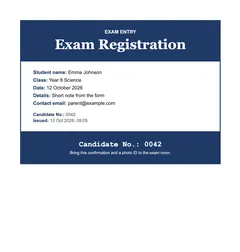
Registrations, bookings, RSVPs, tickets, interviews and applications.

See all confirmation and pass templates

Business & HR 10

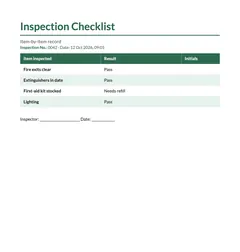
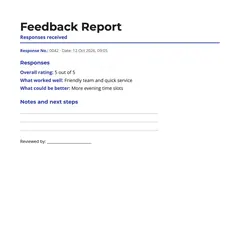
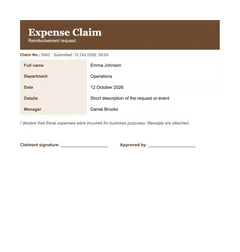
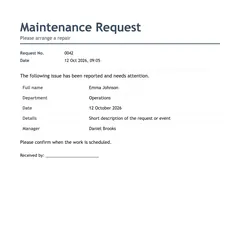
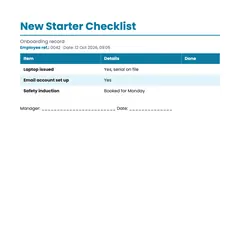
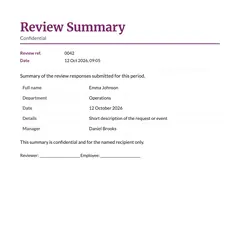
Leave, expenses, incidents, work orders, checklists and reviews.

See all business and HR templates

Education 10

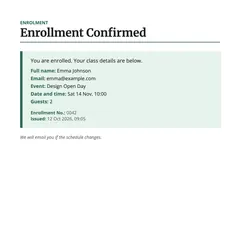
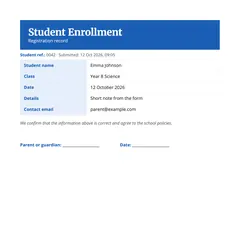
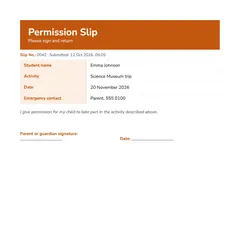
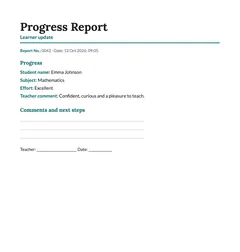
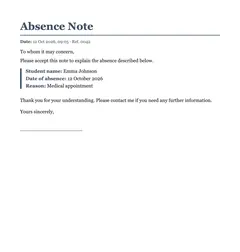
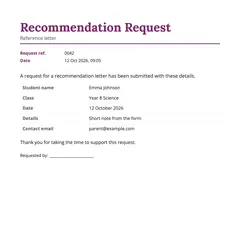
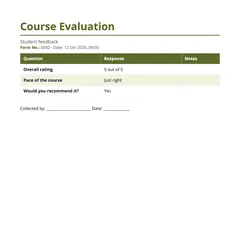
Enrolment, permission slips, progress reports, notes and evaluations.

See all education templates

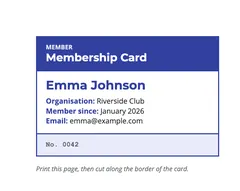
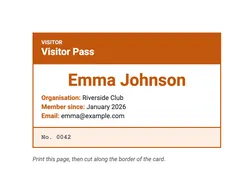
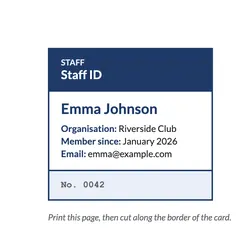
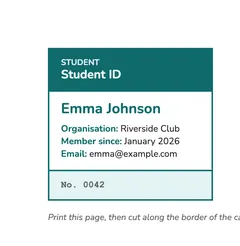
Membership & ID 10

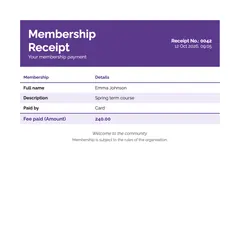
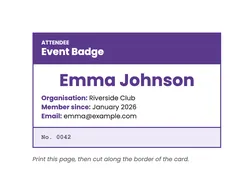
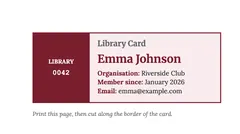
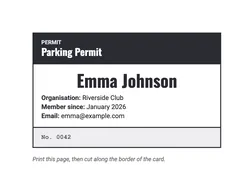
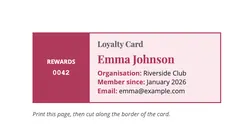
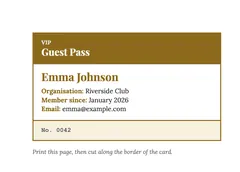
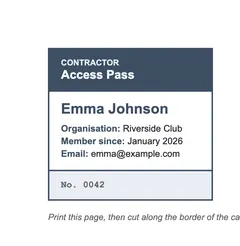
Membership cards, ID cards, badges, permits and passes.

See all membership and ID card templates

How the templates work

  1. Install the add-on. Add FairSign Forms to PDF to Google Forms from the Google Workspace Marketplace.
  2. Pick a template. In step 1, choose a layout from the library. It opens as a Google Doc you can edit.
  3. Turn on sending. Each response is filled into the Doc, turned into a PDF and emailed to the person who submitted it.

Questions people ask

Are the templates really free?

Yes. All 70 templates are free to use. The free plan makes 8 PDFs a month. Pro is $79 a year or $15 a month for more.

How do I use one of these templates with Google Forms?

Install FairSign Forms to PDF, open it from your form, and choose a template in step 1. It opens as a Google Doc. Each response to your form is filled into it and emailed to the person as a PDF.

Can I change a template?

Yes. Every template is a normal Google Doc in your Drive. Change the wording, fonts and colours, add a logo, and keep the {{placeholders}} where answers go.

Do the templates collect signatures or payments?

No. FairSign creates PDFs from form answers. Some templates have a printed signature line for a pen. Take payments through your usual method.

Pick a template and try it

Free to start: 8 PDFs a month, and all 70 templates are included.