When to use the Estimate
An estimate gives a customer an idea of the cost before work starts, with the understanding that the final price may vary. Plumbers, decorators, photographers, repair shops and design studios use them. The wording on this page says exactly that, so you do not have to add a disclaimer yourself. A form is useful when the customer fills in the job description and you fill in the price.
Questions to ask in your form
Create these questions in your Google Form. The PDF is built from the questions you ask, so rename, add or drop any of them.
- Customer name Short answerPrinted under 'Estimate for'.
- Customer email Short answerPrinted and used for sending.
- Job description Short answerThe line item. Keep it to one line.
- Quantity Short answerFor example hours or number of items.
- Unit price Short answerA plain number. The currency symbol is added for you.
- Notes ParagraphOptional. What is included, what is not.
What the PDF contains
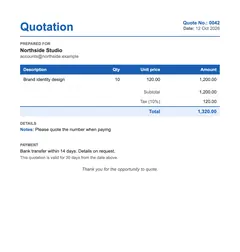
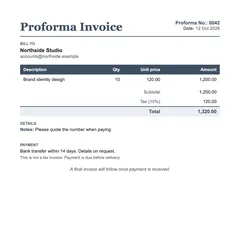
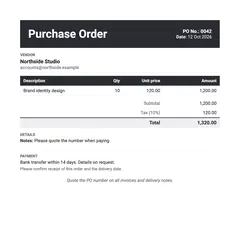
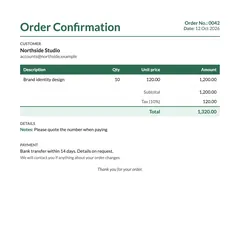
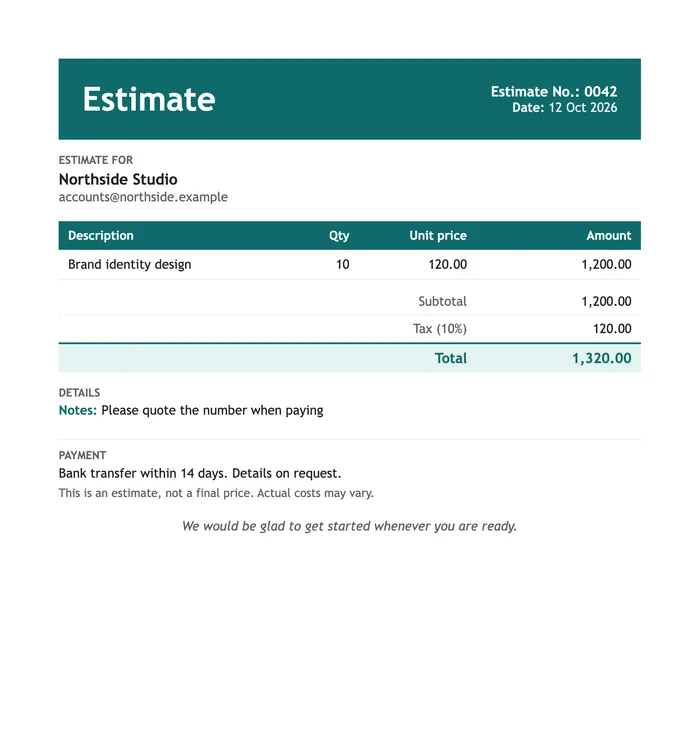
A teal banner with 'Estimate', the number and the date. An 'Estimate for' block holds the customer, then a table shows description, quantity, unit price and amount, with subtotal, tax and total. Under the notes is the line 'This is an estimate, not a final price. Actual costs may vary.' and a friendly invitation to get started.
Set it up in three steps
- Install the add-on. Add FairSign Forms to PDF to Google Forms from the Google Workspace Marketplace. It is free to install.
- Pick this template. Open your form, click the puzzle-piece icon (or the three-dot menu, then Add-ons), and open FairSign Forms to PDF. In step 1, choose Estimate from the template library. It opens as a Google Doc in your Drive.
- Turn on sending. Tell the add-on which question holds the email address, send a test to yourself, then switch on automatic sending. Each new response is turned into a PDF and emailed to the person.
Tips for the Estimate
- List what is not included in Notes, such as materials or travel. Most arguments about estimates come from the gaps.
- Give a range in Notes if you can, for example 'likely between 900 and 1,300'. The table carries a single total.
- Move from estimate to invoice by using the same customer details with the Freelance Invoice or Minimal Invoice template.
Note. This template is not legal or tax advice. Invoice rules, tax numbers and wording differ by country. Check what applies to you before you send an invoice.
Questions people ask
Is an estimate legally binding?
That depends on where you are and how you word it. The template says the price may change. This page is not legal advice.
Can I change the disclaimer wording?
Yes. The line about costs varying is plain text in the Google Doc, so edit it before sending.
Can I edit the Estimate before I use it?
Yes. Choosing it in the add-on creates a Google Doc in your Drive. Change the wording, fonts or colours, add a logo, and keep the {{placeholders}} in double braces where answers should appear.