When to use the Proforma Invoice
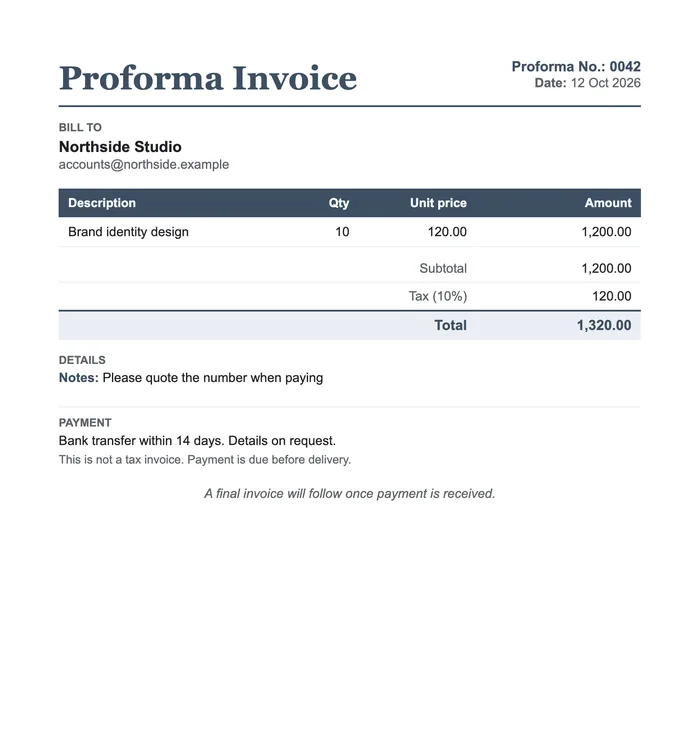
A proforma invoice asks for payment up front. Exporters use it for customs and bank transfers. Makers use it when they need a deposit before they start, and shops use it for made-to-order goods. It looks like an invoice but says plainly that it is not a tax invoice, and that a final invoice will follow when payment arrives. This version uses a slate header and a serif title.
Questions to ask in your form
Create these questions in your Google Form. The PDF is built from the questions you ask, so rename, add or drop any of them.
- Customer name Short answerPrinted under 'Bill to'.
- Customer email Short answerPrinted and used for sending.
- Item Short answerThe goods or service you are charging for.
- Quantity Short answerA number.
- Unit price Short answerA number. The currency comes from the add-on settings.
- Notes ParagraphOptional. Delivery terms, shipping method, bank details.
What the PDF contains
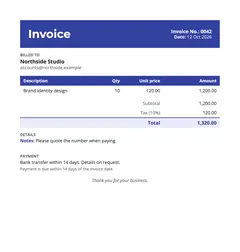
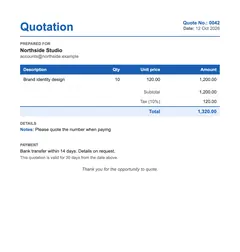
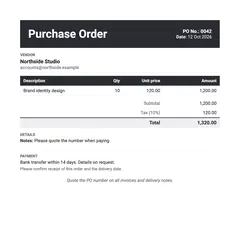
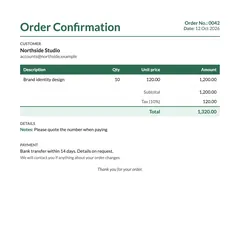
A page headed 'Proforma Invoice' with number and date at the top, a 'Bill to' block and a table of description, quantity, unit price and amount. Subtotal, tax and total follow, and a payment note comes next. The terms line reads 'This is not a tax invoice. Payment is due before delivery.' and a closing line promises a final invoice.
Set it up in three steps
- Install the add-on. Add FairSign Forms to PDF to Google Forms from the Google Workspace Marketplace. It is free to install.
- Pick this template. Open your form, click the puzzle-piece icon (or the three-dot menu, then Add-ons), and open FairSign Forms to PDF. In step 1, choose Proforma Invoice from the template library. It opens as a Google Doc in your Drive.
- Turn on sending. Tell the add-on which question holds the email address, send a test to yourself, then switch on automatic sending. Each new response is turned into a PDF and emailed to the person.
Tips for the Proforma Invoice
- Add your bank details to the payment instructions in the add-on settings or to the Google Doc, so the buyer can pay without another email.
- For cross-border sales, ask your accountant or the customs broker what they need to see on the page. Rules vary a lot.
- Issue the final invoice from the Freelance Invoice or Minimal Invoice template once payment arrives.
Note. This template is not legal or tax advice. Invoice rules, tax numbers and wording differ by country. Check what applies to you before you send an invoice.
Questions people ask
Is a proforma invoice a real invoice?
It is a pre-payment request, not a tax document. Many countries treat it differently from a final invoice.
Can I add shipping?
Add it as a second form response or mention it in Notes. The table holds one item line per response.
Can I edit the Proforma Invoice before I use it?
Yes. Choosing it in the add-on creates a Google Doc in your Drive. Change the wording, fonts or colours, add a logo, and keep the {{placeholders}} in double braces where answers should appear.