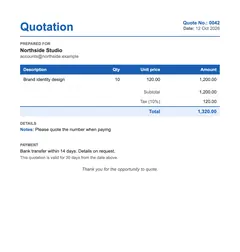
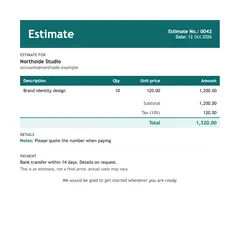
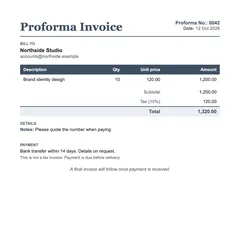
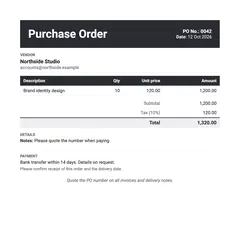
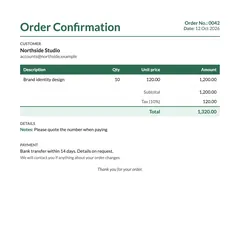
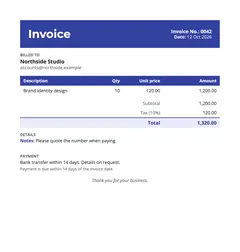
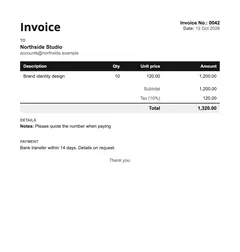
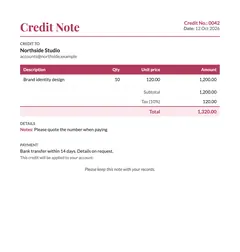
Which one should I pick?
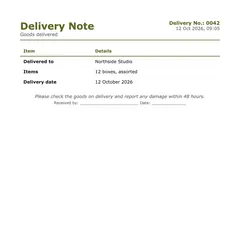
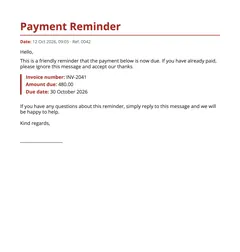
Follow the order of a sale. A Quotation or Estimate comes first, then an Order Confirmation or Proforma Invoice, then the Invoice, and a Delivery Note when goods move. Use a Credit Note to correct a bill and a Payment Reminder when one is late. One form response makes one line item.
How it works
- Install the add-on. Add FairSign Forms to PDF to Google Forms from the Google Workspace Marketplace.
- Pick a template. In step 1 of the add-on, choose a layout from the template library. It opens as a Google Doc you can edit.
- Turn on sending. Each form response is turned into a PDF and emailed to the person who filled it in.
Questions people ask
Does the PDF work out the total?
Yes, for the invoice-style layouts. Name your questions Quantity and Unit price, and the PDF shows the subtotal, tax and total. Set the currency and tax rate in the add-on.
Can an invoice list several items?
One response holds one line item. For several lines, send one form per line, or describe extras in the notes.
Are the invoice and quote templates free?
Yes. All 70 templates are free to use. The free plan makes 8 PDFs a month, and Pro is $79 a year or $15 a month for more.