When to use the VIP Guest Pass
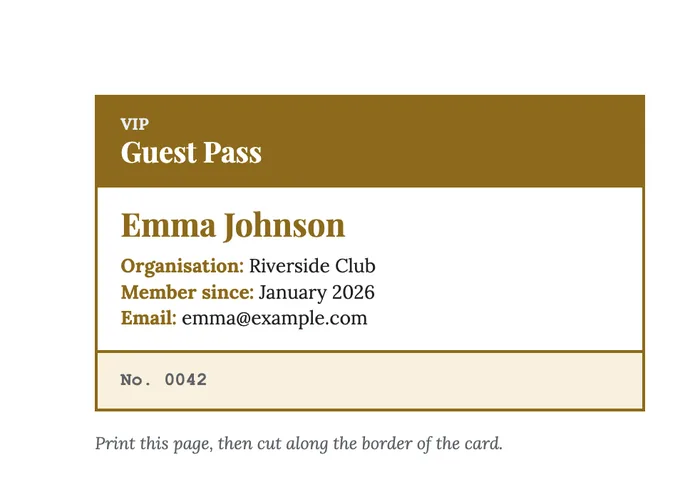
A VIP guest pass marks out special guests at an event: speakers, sponsors, invited friends and members of the press. Event teams and clubs use one to make those people feel looked after, and to help staff see who gets access to a lounge or reserved seating. A short invite form collects the details, and the PDF prints a gold-headed pass with the guest's name, the organisation and a number.
Questions to ask in your form
Create these questions in your Google Form. The PDF is built from the questions you ask, so rename, add or drop any of them.
- Guest name Short answerFirst question, printed large.
- Email address Short answerWhere the pass is sent.
- Organisation Short answerPrinted as a labelled line.
- Access level DropdownFor example 'Speaker lounge' or 'Front row'.
- Event date DatePrints with the other details.
- Plus one name Short answerOptional.
What the PDF contains
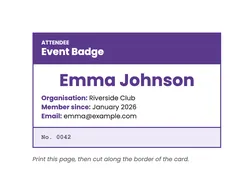
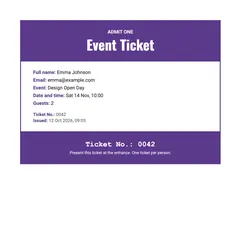
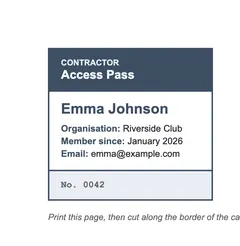
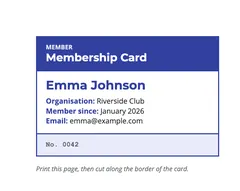
A page with a single pass about 4 inches wide. A gold header carries the label 'VIP' and the words 'Guest Pass'. The guest's name is shown below in serif type, followed by a labelled line for each answer. A pale gold strip at the bottom shows a number such as No. 0042, and a note says to print the page and cut along the border.
Set it up in three steps
- Install the add-on. Add FairSign Forms to PDF to Google Forms from the Google Workspace Marketplace. It is free to install.
- Pick this template. Open your form, click the puzzle-piece icon (or the three-dot menu, then Add-ons), and open FairSign Forms to PDF. In step 1, choose VIP Guest Pass from the template library. It opens as a Google Doc in your Drive.
- Turn on sending. Tell the add-on which question holds the email address, send a test to yourself, then switch on automatic sending. Each new response is turned into a PDF and emailed to the person.
Tips for the VIP Guest Pass
- Send each guest their own pass. Sending one PDF to a group makes every person look the same.
- State the access level on the pass, so staff do not have to look it up.
- A printed pass can be copied. For tight access control, check names against your guest list as well.
Questions people ask
Can sponsors get a pass for a whole team?
Use one response per person, each with a name and an email.
Is it a ticket?
Not exactly. It identifies a guest. For entry to a ticketed show, use the Admission Ticket template.
Can I edit the VIP Guest Pass before I use it?
Yes. Choosing it in the add-on creates a Google Doc in your Drive. Change the wording, fonts or colours, add a logo, and keep the {{placeholders}} in double braces where answers should appear.