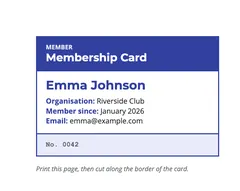
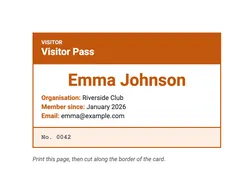
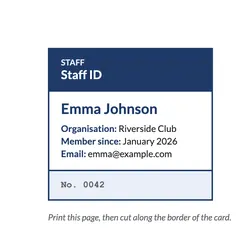
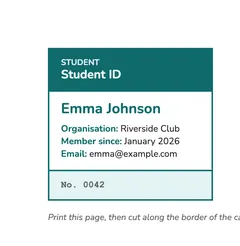
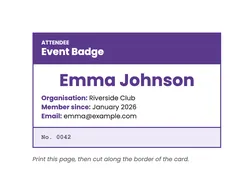
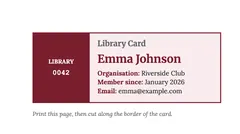
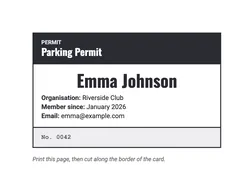
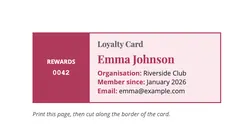
Which one should I pick?
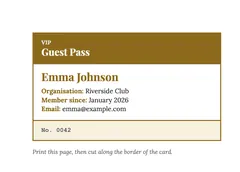
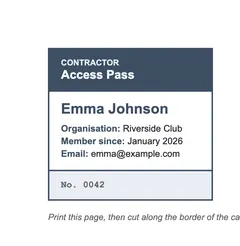
Check the size and the shape. Membership and loyalty cards are landscape, and the ID and contractor cards are tall and narrow. Badges and permits are about four inches wide. None has a photo, barcode or chip, so they suit friendly settings and are not a replacement for a security credential.
How it works
- Install the add-on. Add FairSign Forms to PDF to Google Forms from the Google Workspace Marketplace.
- Pick a template. In step 1 of the add-on, choose a layout from the template library. It opens as a Google Doc you can edit.
- Turn on sending. Each form response is turned into a PDF and emailed to the person who filled it in.
Questions people ask
Do the cards include a photo?
No. People can stick a photo on after printing. Use a dedicated ID system if photos or access control are essential.
What paper should I print on?
Any printer works with US Letter or A4. Card stock or a laminating pouch makes a card last longer.
Are the membership and ID card templates free?
Yes. All 70 templates are free to use. The free plan makes 8 PDFs a month, and Pro is $79 a year or $15 a month for more.