When to use the Loyalty Card
A loyalty card rewards regular customers. Cafes, hair studios, yoga teachers, bakeries and independent shops use one to say thank you and to bring people back. A sign-up form collects the name, and the PDF prints a card with a numbered block at the side and the word 'Rewards'. It is a printable card, which means you keep track of stamps or points yourself. It suits small businesses that do not want a loyalty app.
Questions to ask in your form
Create these questions in your Google Form. The PDF is built from the questions you ask, so rename, add or drop any of them.
- Customer name Short answerFirst question, printed large.
- Email address Short answerWhere the card is sent.
- Favourite drink or treatment Short answerOptional. A nice personal detail.
- Member since DateOptional.
- Birthday month DropdownOptional. For a small birthday offer.
- Preferred location DropdownOptional, if you have several.
What the PDF contains
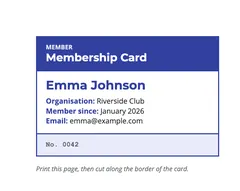
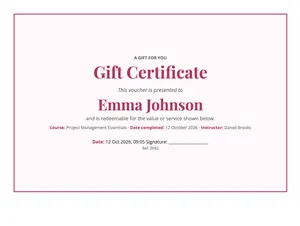
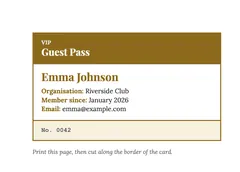
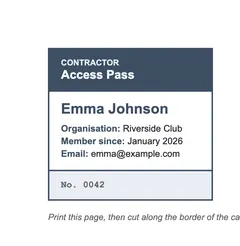
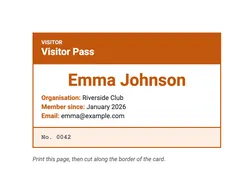
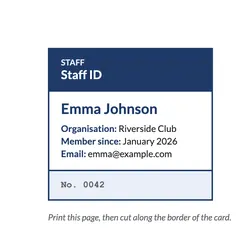
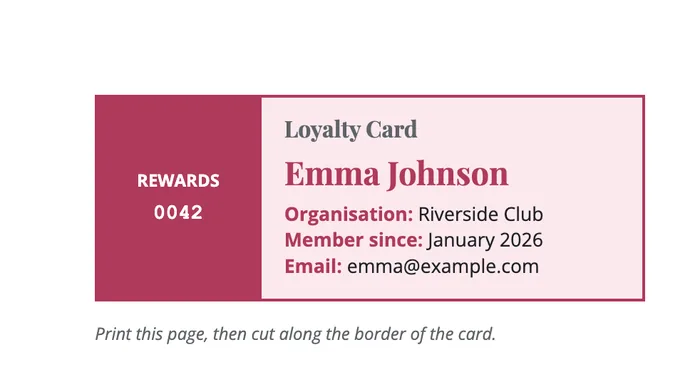
A page with a landscape card about 4 inches wide. A rose block on the left shows the label 'Rewards' and a number such as 0042. On the right are the words 'Loyalty Card', the customer's name in large type and a labelled line for each further answer. A note under the card says to print the page and cut along the border.
Set it up in three steps
- Install the add-on. Add FairSign Forms to PDF to Google Forms from the Google Workspace Marketplace. It is free to install.
- Pick this template. Open your form, click the puzzle-piece icon (or the three-dot menu, then Add-ons), and open FairSign Forms to PDF. In step 1, choose Loyalty Card from the template library. It opens as a Google Doc in your Drive.
- Turn on sending. Tell the add-on which question holds the email address, send a test to yourself, then switch on automatic sending. Each new response is turned into a PDF and emailed to the person.
Tips for the Loyalty Card
- The card has no stamp boxes. Keep stamps or points in a sheet against the card number, and tell customers their balance when they visit.
- Say what the reward is and when it expires in the form description, so the card has a clear promise.
- Ask for an email only if you will use it, and say how. Marketing consent rules vary by country.
Questions people ask
Does it count points?
No. It makes a card with a number. Counting is up to you.
Can customers use it on a phone?
The PDF can be saved to a phone and shown at the counter, as long as you can check the number.
Can I edit the Loyalty Card before I use it?
Yes. Choosing it in the add-on creates a Google Doc in your Drive. Change the wording, fonts or colours, add a logo, and keep the {{placeholders}} in double braces where answers should appear.