When to use the Application Received
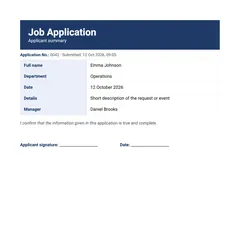
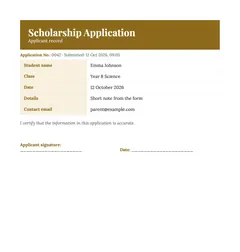
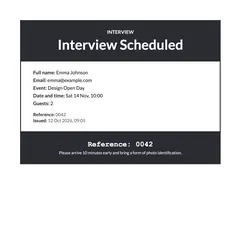
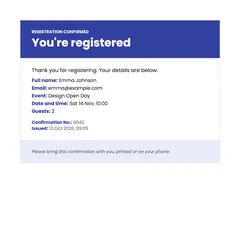
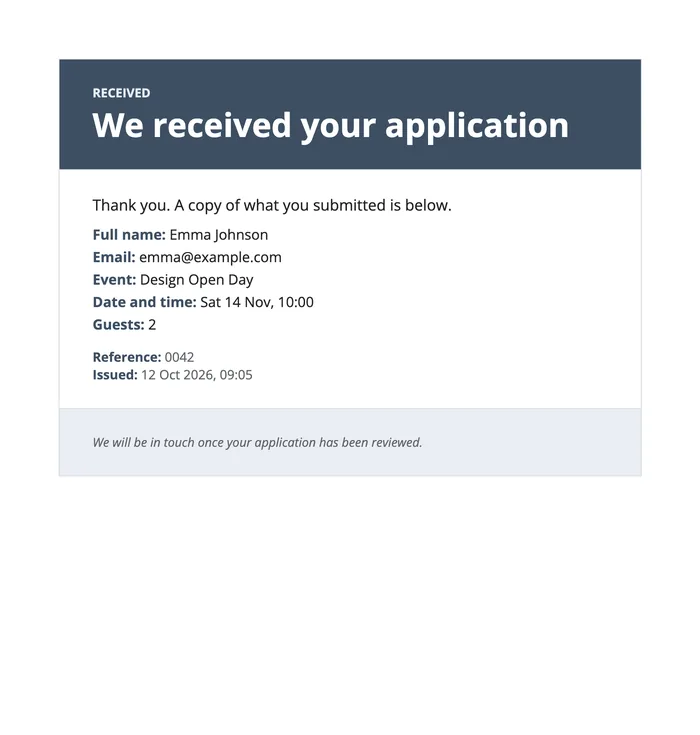
An application received note tells applicants that their submission arrived, and gives them a copy of what they sent. Employers, clubs, grant funders, schools and volunteer programmes use it. It cuts down on 'Did you get it?' emails and shows applicants the answers they gave. The slate banner reads 'We received your application', and the closing line says you will be in touch after review.
Questions to ask in your form
Create these questions in your Google Form. The PDF is built from the questions you ask, so rename, add or drop any of them.
- Full name Short answerFirst row.
- Email address Short answerWhere the acknowledgement is sent.
- Position or programme DropdownWhat they are applying for.
- Why are you applying? ParagraphThe main answer in most forms.
- Availability Short answerOptional.
- Link to portfolio or CV Short answerA web link. FairSign does not attach files.
What the PDF contains
A slate banner with the label 'Received' and the title 'We received your application'. Underneath: 'Thank you. A copy of what you submitted is below.' Every answer appears as a label and value line, followed by a reference and an issue time. A pale strip says 'We will be in touch once your application has been reviewed.'
Set it up in three steps
- Install the add-on. Add FairSign Forms to PDF to Google Forms from the Google Workspace Marketplace. It is free to install.
- Pick this template. Open your form, click the puzzle-piece icon (or the three-dot menu, then Add-ons), and open FairSign Forms to PDF. In step 1, choose Application Received from the template library. It opens as a Google Doc in your Drive.
- Turn on sending. Tell the add-on which question holds the email address, send a test to yourself, then switch on automatic sending. Each new response is turned into a PDF and emailed to the person.
Tips for the Application Received
- Do not promise a reply date in the form unless you will keep it. Edit the closing line to say what you can honestly say.
- Long answers print in full. If an essay answer is very long, the PDF will run to a second page.
- Applications hold personal data. Limit who has access to the response sheet and to the Drive folder.
Questions people ask
Does it include uploaded CVs?
No. The PDF shows the answers in the form. Ask for a link instead of a file.
Can I use it for a complaint or a request?
Yes. Any submission can be acknowledged this way, so change 'application' in the Doc to 'request'.
Can I edit the Application Received before I use it?
Yes. Choosing it in the add-on creates a Google Doc in your Drive. Change the wording, fonts or colours, add a logo, and keep the {{placeholders}} in double braces where answers should appear.