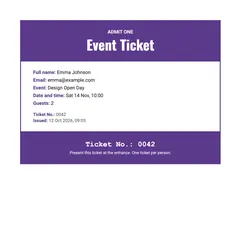
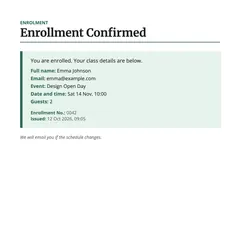
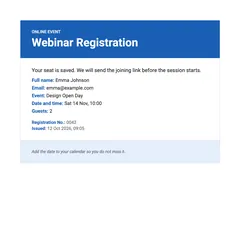
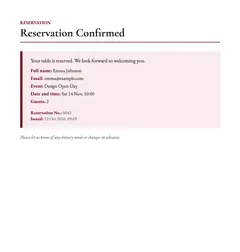
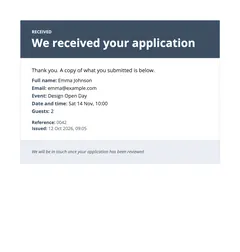
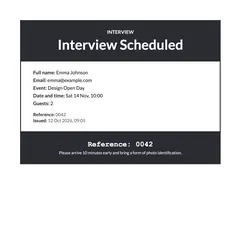
Which one should I pick?
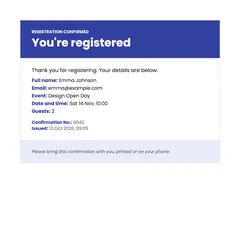
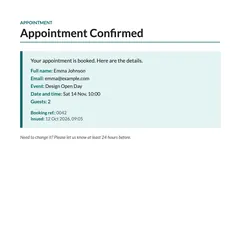
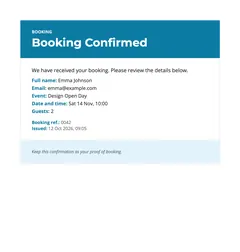
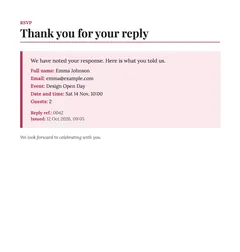
Match the situation to the title: an appointment is not a booking, and a booking is not a reservation. The wording differs in small ways, such as 'Your table is reserved' or 'Your seat is saved'. Pick the closest one, then edit any sentence in the Google Doc.
How it works
- Install the add-on. Add FairSign Forms to PDF to Google Forms from the Google Workspace Marketplace.
- Pick a template. In step 1 of the add-on, choose a layout from the template library. It opens as a Google Doc you can edit.
- Turn on sending. Each form response is turned into a PDF and emailed to the person who filled it in.
Questions people ask
Do these confirmations check availability?
No. Google Forms does not know what is free. Offer only open slots, or review each request before you confirm.
Can I use a confirmation as a ticket?
The Admission Ticket template is built for that. It has a ticket number, but no barcode or QR code, so check names against your list.
Are the confirmation and pass templates free?
Yes. All 70 templates are free to use. The free plan makes 8 PDFs a month, and Pro is $79 a year or $15 a month for more.