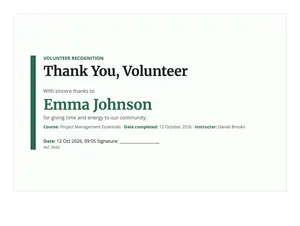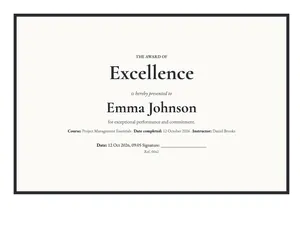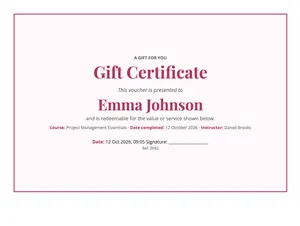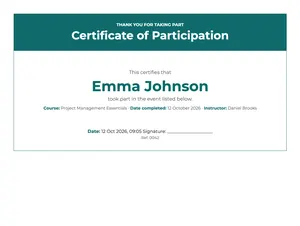
When to use the Certificate of Appreciation
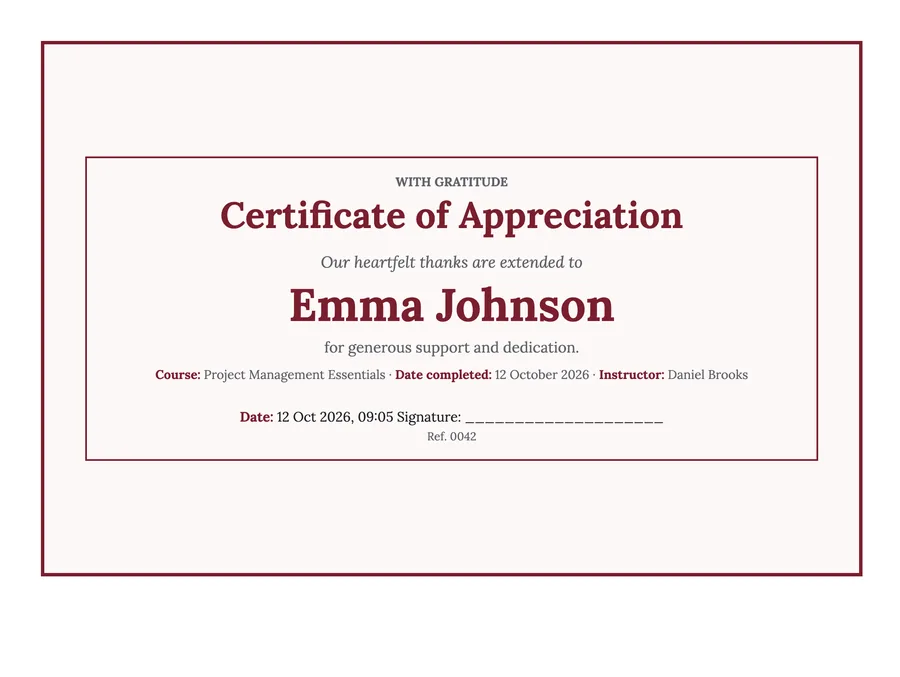
A certificate of appreciation is a thank-you with a name on it. Event organisers give them to speakers and sponsors. Schools use them for parent helpers, and charities for people who gave their time. Managers hand them to colleagues at a farewell or a work anniversary. The wine-red frame and serif type give a warm, formal tone without needing any design work.
Questions to ask in your form
Create these questions in your Google Form. The PDF is built from the questions you ask, so rename, add or drop any of them.
- Name of the person or organisation Short answerPrinted large, so write it as it should appear.
- Email address Short answerWhere the certificate is sent.
- What are we thanking them for? ParagraphOne or two sentences. Keep it specific.
- Event or period Short answerFor example 'Spring Fair 2027'.
- Date DateOptional if the submission date is enough.
- Thanks from Short answerOptional. A name, team or committee.
What the PDF contains
A soft pink-white page with a burgundy frame and the line 'Our heartfelt thanks are extended to' above the name. Under the name is a sentence about generous support and dedication, then your answers, the date, a signature line and a reference number.
Set it up in three steps
- Install the add-on. Add FairSign Forms to PDF to Google Forms from the Google Workspace Marketplace. It is free to install.
- Pick this template. Open your form, click the puzzle-piece icon (or the three-dot menu, then Add-ons), and open FairSign Forms to PDF. In step 1, choose Certificate of Appreciation from the template library. It opens as a Google Doc in your Drive.
- Turn on sending. Tell the add-on which question holds the email address, send a test to yourself, then switch on automatic sending. Each new response is turned into a PDF and emailed to the person.
Tips for the Certificate of Appreciation
- Name the thing they did. 'For judging the science fair' reads better than a general thank you, and costs one extra question.
- For sponsors, ask for the organisation name in the first question and a contact person later. The big line should be the one you want to see framed.
- If a group of volunteers is being thanked, use one form response per person so each certificate carries a single name.
Questions people ask
Can the certificate be sent to someone else?
The PDF goes to the address you pick in the add-on. Choose the question that holds the right email, which can be a colleague's or your own.
Does it fit on one page?
Yes. Keep the reason for thanks to a couple of lines so the frame stays balanced.
Can I edit the Certificate of Appreciation before I use it?
Yes. Choosing it in the add-on creates a Google Doc in your Drive. Change the wording, fonts or colours, add a logo, and keep the {{placeholders}} in double braces where answers should appear.