Which one should I pick?
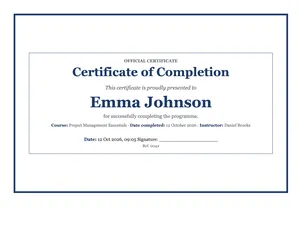
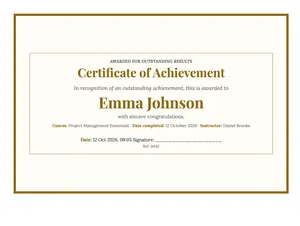
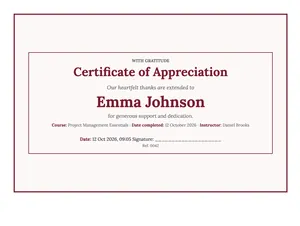
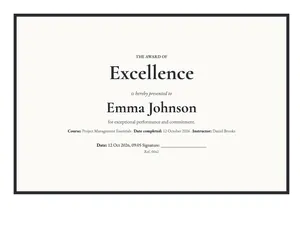
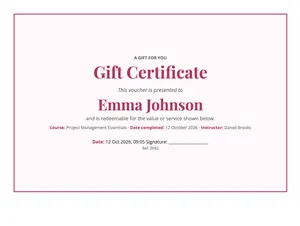
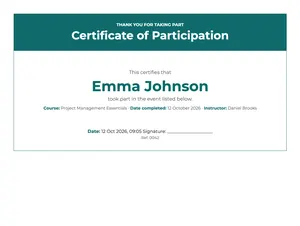
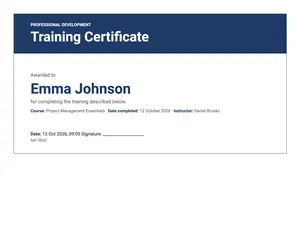
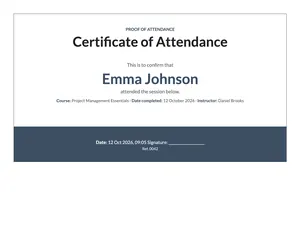
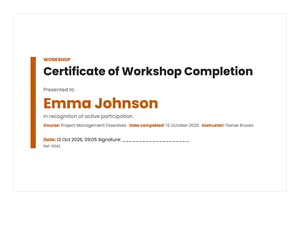
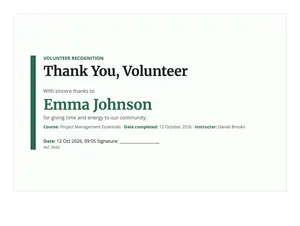
Pick by what you want to say. Completion and Training say someone finished something. Achievement and Excellence say someone did well. Participation, Attendance and Workshop say someone was there. Appreciation and Volunteer say thank you. Gift Certificate is a voucher, and it does not take payment.
How it works
- Install the add-on. Add FairSign Forms to PDF to Google Forms from the Google Workspace Marketplace.
- Pick a template. In step 1 of the add-on, choose a layout from the template library. It opens as a Google Doc you can edit.
- Turn on sending. Each form response is turned into a PDF and emailed to the person who filled it in.
Questions people ask
Which certificate template is best for a course?
Certificate of Completion suits a course or a programme. For a short session where you only want to confirm presence, Certificate of Attendance is closer to the truth.
Can I add a signature?
The pages have a printed signature line for a pen. You can also paste a picture of a signature into the Google Doc, which then appears on every certificate.
Are the certificate templates free?
Yes. All 70 templates are free to use. The free plan makes 8 PDFs a month, and Pro is $79 a year or $15 a month for more.