When to use the Certificate of Participation
A certificate of participation says someone took part, not that they won. Schools hand them out after a science fair or sports day. Conference organisers send them to attendees who presented a poster. Competitions use them for every entrant. They are quick to produce for hundreds of people, which makes the form-driven route a good fit.
Questions to ask in your form
Create these questions in your Google Form. The PDF is built from the questions you ask, so rename, add or drop any of them.
- Full name Short answerShown centred in large type.
- Email address Short answerThe PDF is sent here.
- Event name Short answerFor example 'Riverside Spelling Bee'.
- Event date DateShown with the other details.
- Role DropdownFor example 'Competitor', 'Volunteer', 'Presenter'.
- Team or school Short answerOptional.
What the PDF contains
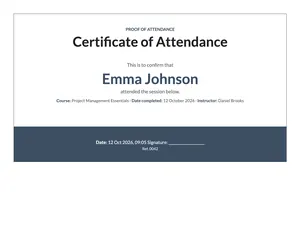
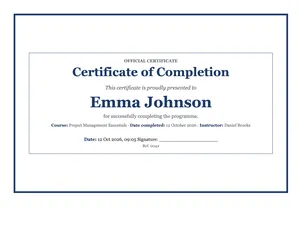
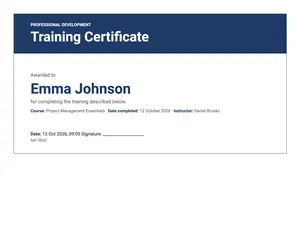
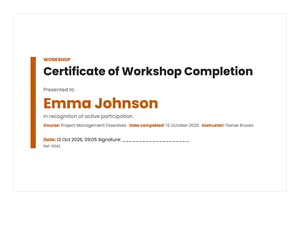
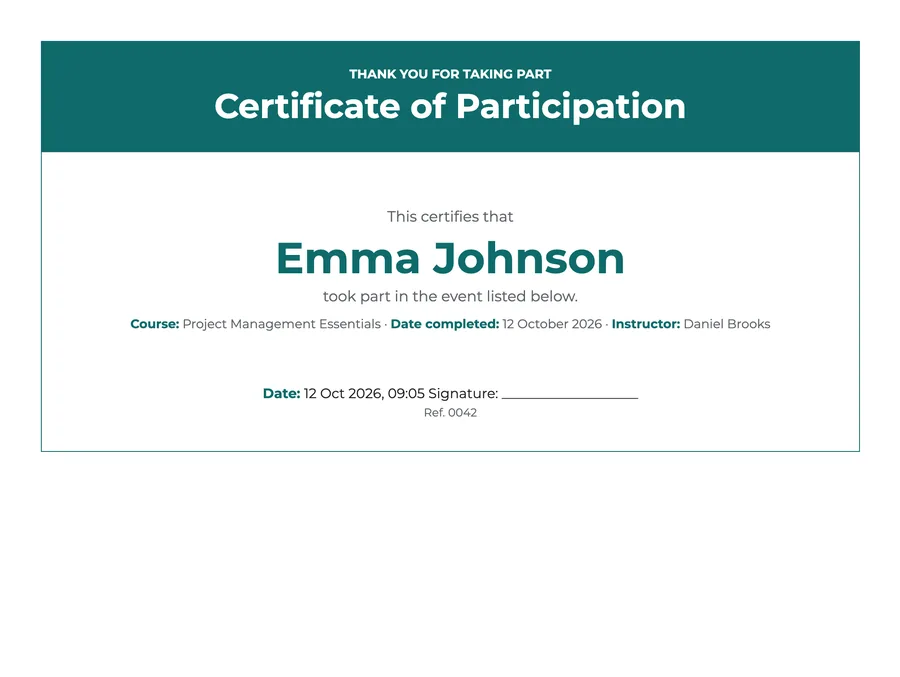
A white page with a teal band across the top and the words 'Thank you for taking part'. The line 'This certifies that' introduces the name, and 'took part in the event listed below' leads into the event details. A date, signature line and reference number sit at the bottom.
Set it up in three steps
- Install the add-on. Add FairSign Forms to PDF to Google Forms from the Google Workspace Marketplace. It is free to install.
- Pick this template. Open your form, click the puzzle-piece icon (or the three-dot menu, then Add-ons), and open FairSign Forms to PDF. In step 1, choose Certificate of Participation from the template library. It opens as a Google Doc in your Drive.
- Turn on sending. Tell the add-on which question holds the email address, send a test to yourself, then switch on automatic sending. Each new response is turned into a PDF and emailed to the person.
Tips for the Certificate of Participation
- Share the form on the day of the event, on a poster or QR code, so people claim their certificate while it is fresh.
- A role dropdown lets one form serve many groups. Competitors, helpers and speakers each get a correct line.
- Keep the event name short. It prints on one line under the main text.
- If a few people only came for part of the day, add a short line to your form so each person states what they joined, and the certificate then says it correctly.
Questions people ask
Is this different from a certificate of attendance?
Slightly. Participation says someone took an active part. Attendance simply confirms they were present. Pick whichever matches what you want to say.
Can I add a sponsor logo?
Yes. Open the Doc, add the logo to the header and save. All later PDFs carry it.
Can I edit the Certificate of Participation before I use it?
Yes. Choosing it in the add-on creates a Google Doc in your Drive. Change the wording, fonts or colours, add a logo, and keep the {{placeholders}} in double braces where answers should appear.