When to use the Certificate of Attendance
A certificate of attendance confirms that someone was in the room, or on the call. Employers often ask for it when staff go on seminars. Students need it for continuing education hours. It is also a simple thank-you for people who came to a talk. Because you only need a name and the session, the form can be very short, which means more people fill it in.
Questions to ask in your form
Create these questions in your Google Form. The PDF is built from the questions you ask, so rename, add or drop any of them.
- Full name Short answerShown large near the middle.
- Email address Short answerWhere the PDF goes.
- Session or event title Short answerFixed text if you run one form per event.
- Date attended DateUse a date question if the event runs over several days.
- Hours attended Short answerOptional. Handy for learning-hours claims.
- Organisation Short answerOptional.
What the PDF contains
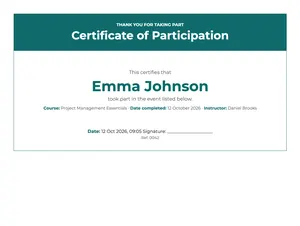
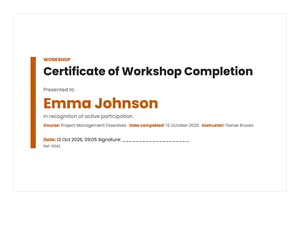
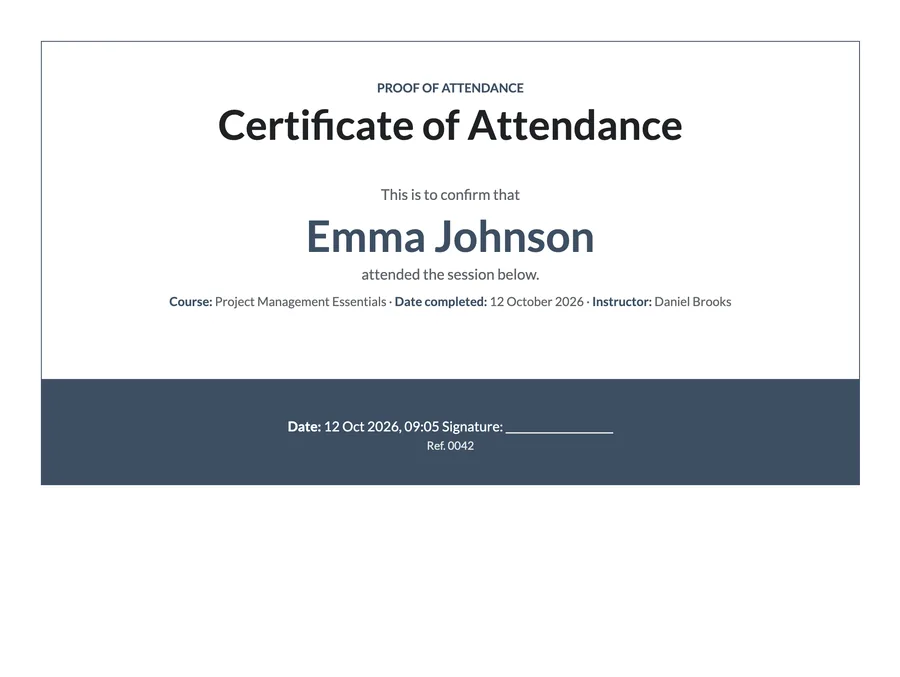
A white page with the small heading 'Proof of attendance', then 'This is to confirm that' above the name and 'attended the session below'. The session details appear under the name. A slate band across the bottom carries the date, a signature line and a reference number.
Set it up in three steps
- Install the add-on. Add FairSign Forms to PDF to Google Forms from the Google Workspace Marketplace. It is free to install.
- Pick this template. Open your form, click the puzzle-piece icon (or the three-dot menu, then Add-ons), and open FairSign Forms to PDF. In step 1, choose Certificate of Attendance from the template library. It opens as a Google Doc in your Drive.
- Turn on sending. Tell the add-on which question holds the email address, send a test to yourself, then switch on automatic sending. Each new response is turned into a PDF and emailed to the person.
Tips for the Certificate of Attendance
- Share the form at the end of the session, not the start, so the certificate reflects people who stayed.
- If hours matter, ask for them as a number and say who confirms the figure. A certificate is only as reliable as the check behind it.
- For online events, add a short question such as 'Which topic did you find most useful?' to make the form double as feedback.
Questions people ask
Can I use it for a webinar?
Yes. Ask for the webinar title and date, and email the form link in the thank-you message after the event.
Does the form prove they were there?
No. It records what the person typed. If proof matters, share the form only in the room or the live session.
Can I edit the Certificate of Attendance before I use it?
Yes. Choosing it in the add-on creates a Google Doc in your Drive. Change the wording, fonts or colours, add a logo, and keep the {{placeholders}} in double braces where answers should appear.