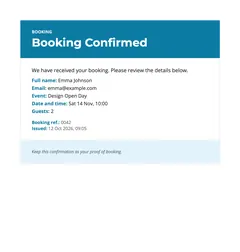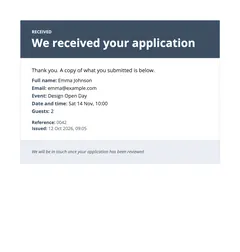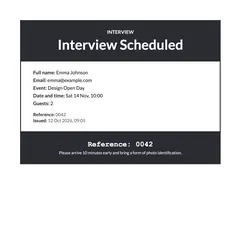
When to use the Reservation Confirmation
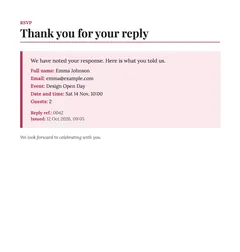
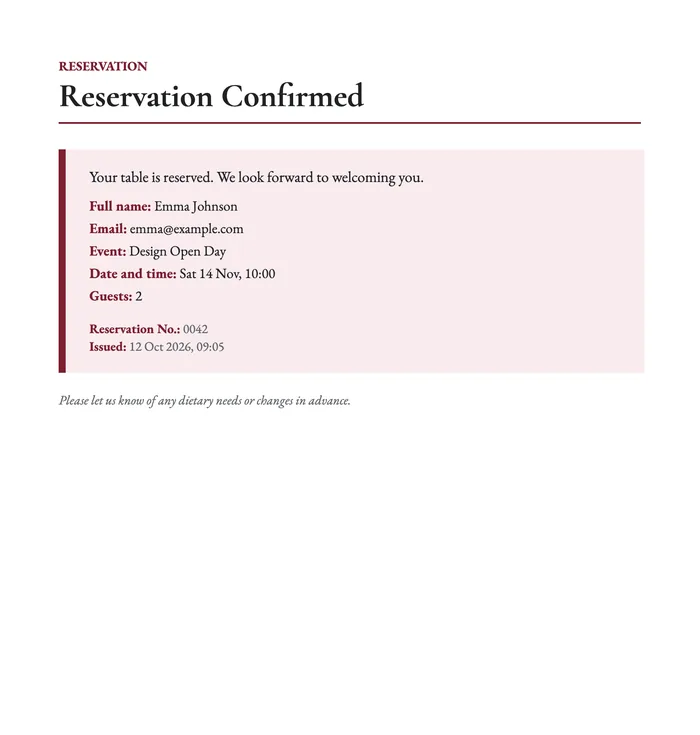
A reservation confirmation is the note that says a table, a room or an item is being held for someone. Restaurants and cafes, small venues, community halls, libraries lending equipment and photographers' studios use it. It uses a classic serif face with a burgundy rule, which suits a dining room or a hall better than a bright banner. The page asks guests to mention dietary needs or changes in advance.
Questions to ask in your form
Create these questions in your Google Form. The PDF is built from the questions you ask, so rename, add or drop any of them.
- Name for the reservation Short answerFirst row.
- Email address Short answerWhere the confirmation goes.
- Date DateThe day of the reservation.
- Time TimeA Time question keeps formats uniform.
- Party size Short answerA number.
- Dietary needs or notes ParagraphOptional.
What the PDF contains
A page with the small label 'Reservation', the title 'Reservation Confirmed' and a burgundy rule. A pink block says 'Your table is reserved. We look forward to welcoming you.' and lists every answer. A reservation number and an issue time follow, and below the block is a note to tell you about dietary needs or changes in advance.
Set it up in three steps
- Install the add-on. Add FairSign Forms to PDF to Google Forms from the Google Workspace Marketplace. It is free to install.
- Pick this template. Open your form, click the puzzle-piece icon (or the three-dot menu, then Add-ons), and open FairSign Forms to PDF. In step 1, choose Reservation Confirmation from the template library. It opens as a Google Doc in your Drive.
- Turn on sending. Tell the add-on which question holds the email address, send a test to yourself, then switch on automatic sending. Each new response is turned into a PDF and emailed to the person.
Tips for the Reservation Confirmation
- The wording mentions a table. If you hold a room or a piece of equipment, edit the sentence in the Google Doc.
- Say how long you hold a table for latecomers. It belongs in the form description or in the Doc footer.
- A form cannot see your diary. Check each request, or remove booked slots from the form.
- Ask for a phone number as well as an email. A table that is cancelled at the last minute is easier to rebook when you can call.
Questions people ask
Can I use it for equipment?
Yes. Ask for the item and the dates, and change 'table' to 'item' in the first sentence.
Does it send reminders?
No. It sends one PDF per response.
Can I edit the Reservation Confirmation before I use it?
Yes. Choosing it in the add-on creates a Google Doc in your Drive. Change the wording, fonts or colours, add a logo, and keep the {{placeholders}} in double braces where answers should appear.