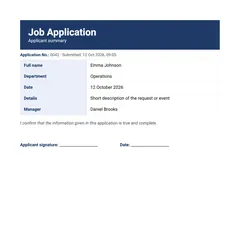
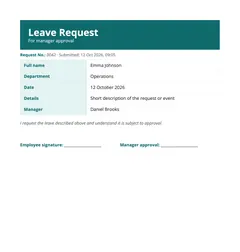
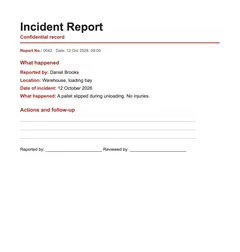
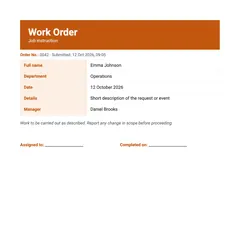
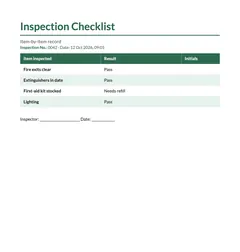
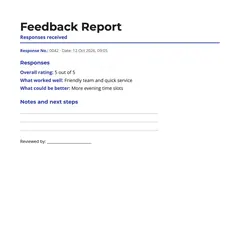
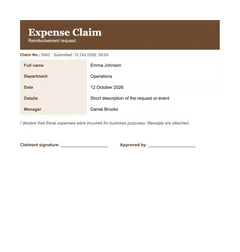
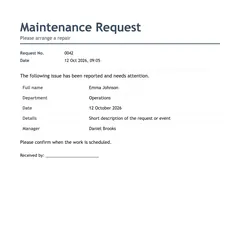
Which one should I pick?
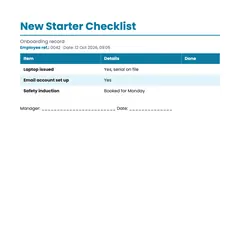
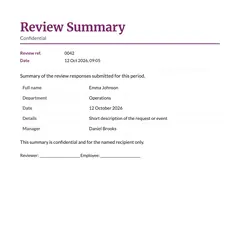
Think about who reads the PDF. Forms such as Leave Request and Expense Claim go to a manager for approval, so they end with signature lines. Checklists and reports are records, so they have a results table or notes space. These templates collect personal data, so share the response sheet with as few people as you can.
How it works
- Install the add-on. Add FairSign Forms to PDF to Google Forms from the Google Workspace Marketplace.
- Pick a template. In step 1 of the add-on, choose a layout from the template library. It opens as a Google Doc you can edit.
- Turn on sending. Each form response is turned into a PDF and emailed to the person who filled it in.
Questions people ask
Can these templates collect signatures?
No. FairSign does not collect signatures. Some pages have blank lines for a pen, and you can ask for a typed name in the form.
Is this HR or legal advice?
No. The templates are layouts only. Employment, safety and data protection rules differ by country, so check what applies to you.
Are the business and HR templates free?
Yes. All 70 templates are free to use. The free plan makes 8 PDFs a month, and Pro is $79 a year or $15 a month for more.