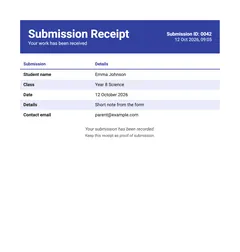
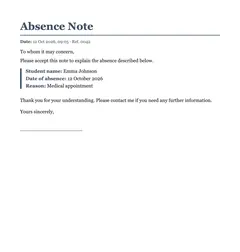
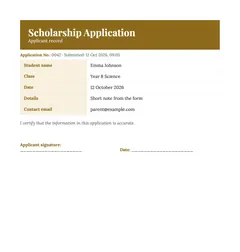
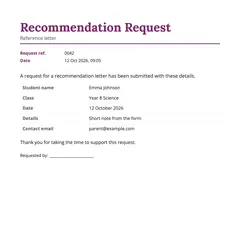
Which one should I pick?
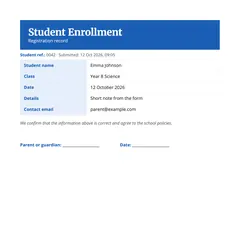
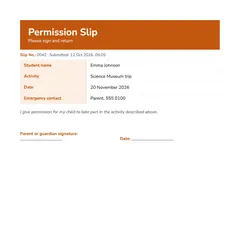
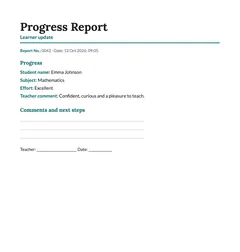
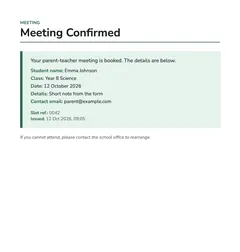
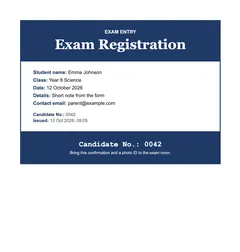
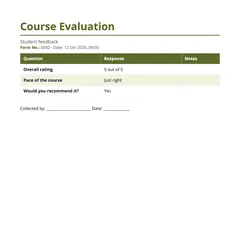
Start with who fills in the form. Parents complete permission slips, enrollment forms and absence notes. Teachers complete progress reports. Students complete assignment receipts, recommendation requests and evaluations. Anything involving children should go to as few people as possible, so restrict access to the response sheet.
How it works
- Install the add-on. Add FairSign Forms to PDF to Google Forms from the Google Workspace Marketplace.
- Pick a template. In step 1 of the add-on, choose a layout from the template library. It opens as a Google Doc you can edit.
- Turn on sending. Each form response is turned into a PDF and emailed to the person who filled it in.
Questions people ask
Can a parent give permission on the form?
A typed name and a ticked box record that someone agreed, but FairSign does not collect electronic signatures. If your school needs a pen signature, print the page and sign it.
Is it safe to collect student data in a form?
Responses stay in your own Google account. Rules on children's data differ by country and school, so check your own policy and collect only what you need.
Are the education templates free?
Yes. All 70 templates are free to use. The free plan makes 8 PDFs a month, and Pro is $79 a year or $15 a month for more.